028
028
/
CHAPTER 7: MEMORY MODULE(S)
Removing the Memory Module(s)
Follow the instructions in “Before You Begin” on page 1. 6.
Remove the battery pack (see “Removing the Battery Pack” on page 2. 11).
Remove the compartment door (see “Removing the Compartment Door” on 3.
page 14).
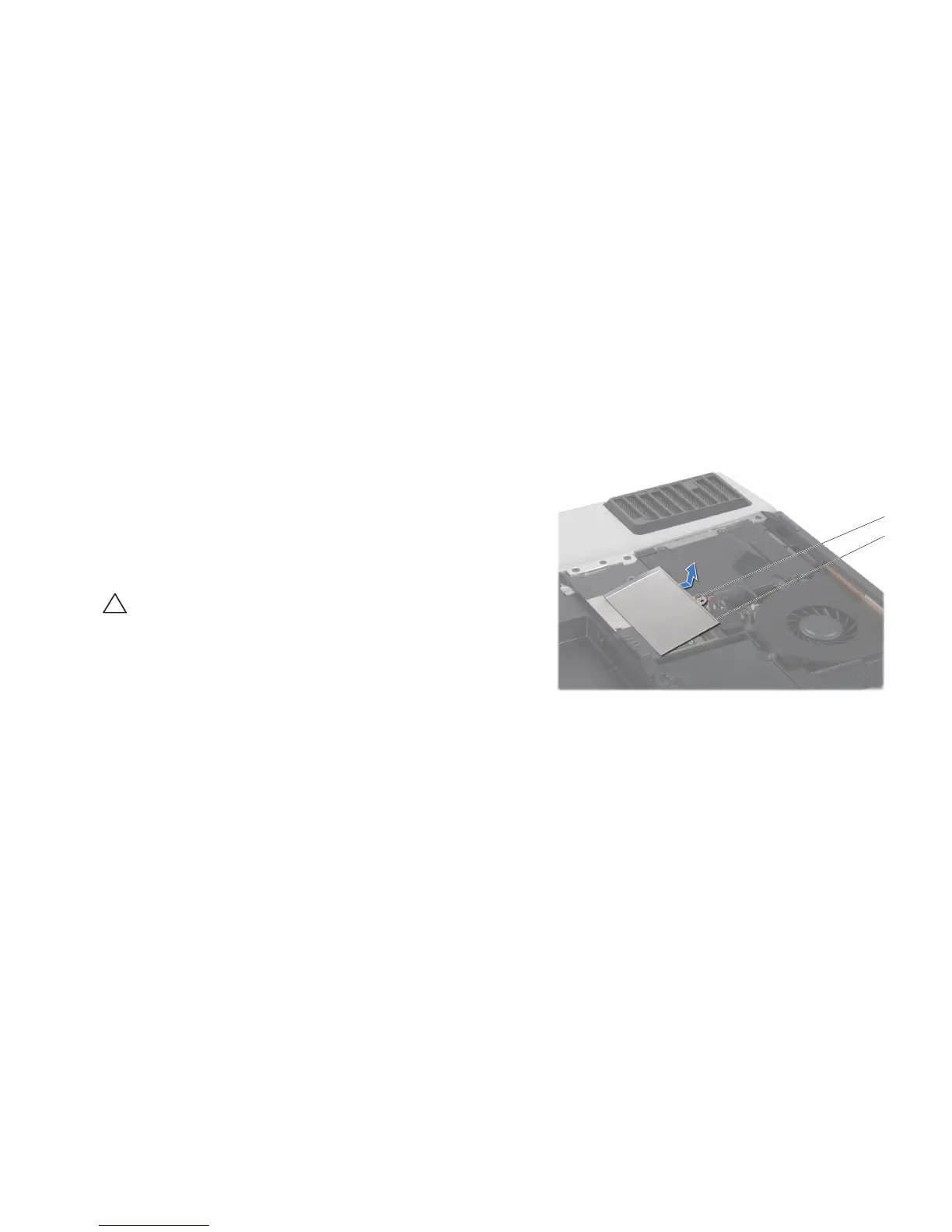
Loosen the captive screw that secures the memory-module door to the 4.
computer base.
Slide the memory-module door to release the tabs and lift the memory-5.
module door out of the computer base.
CAUTION: If you need to remove memory modules from both connectors,
remove the memory module in the upper connector before you remove
the module in the lower connector.










 To Next Page