033
033
/
CHAPTER 8: CENTER CONTROL COVER
Removing the Center Control Cover
Follow the instructions in “Before You Begin” on page 1. 6.
Remove the battery pack (see “Removing the Battery Pack” on page 2. 11).
Remove the compartment door (see “Removing the Compartment Door” on 3.
page 14).
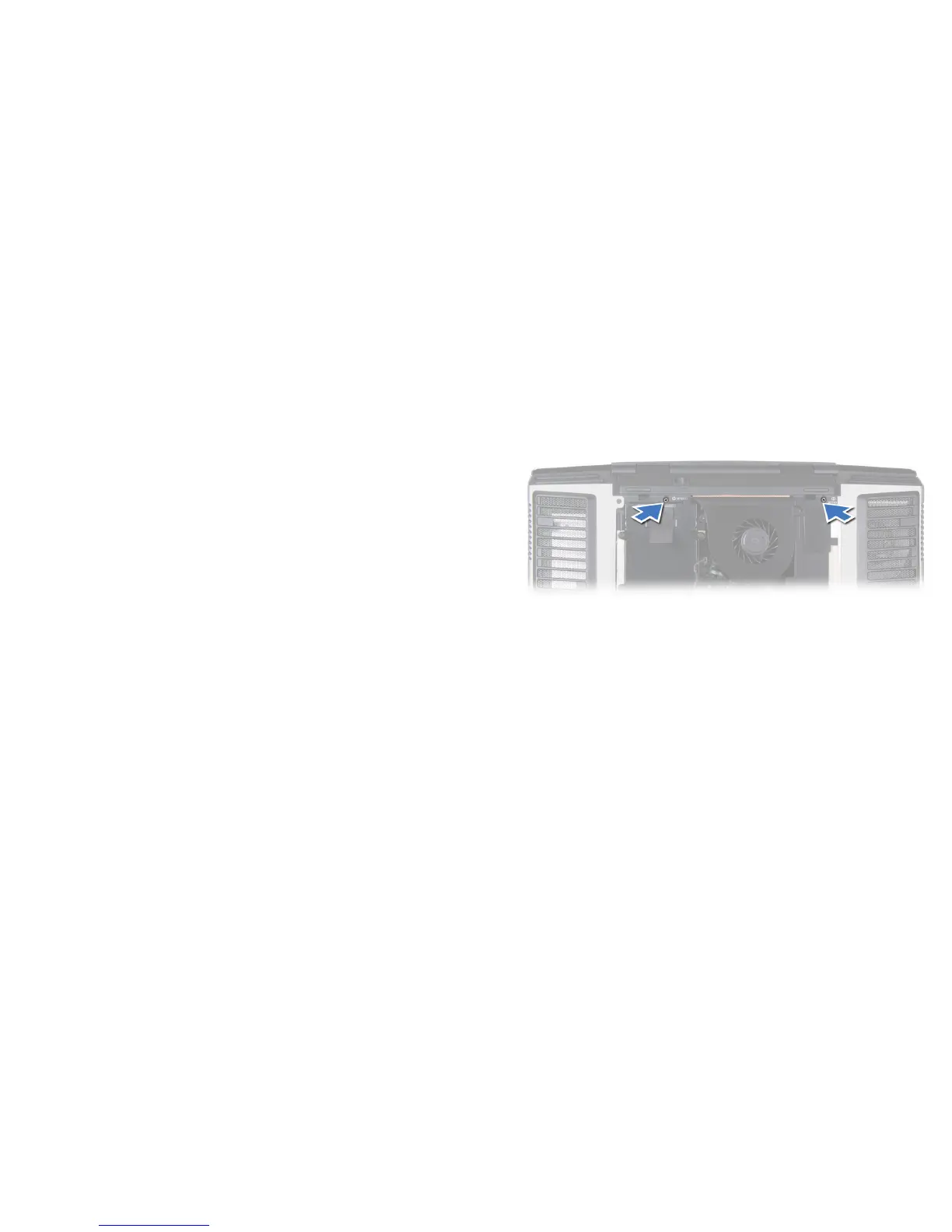
Remove the two screws that secure the center control cover to the 4.
computer base.










 To Next Page