029
029
/
CHAPTER 7: MEMORY MODULE(S)
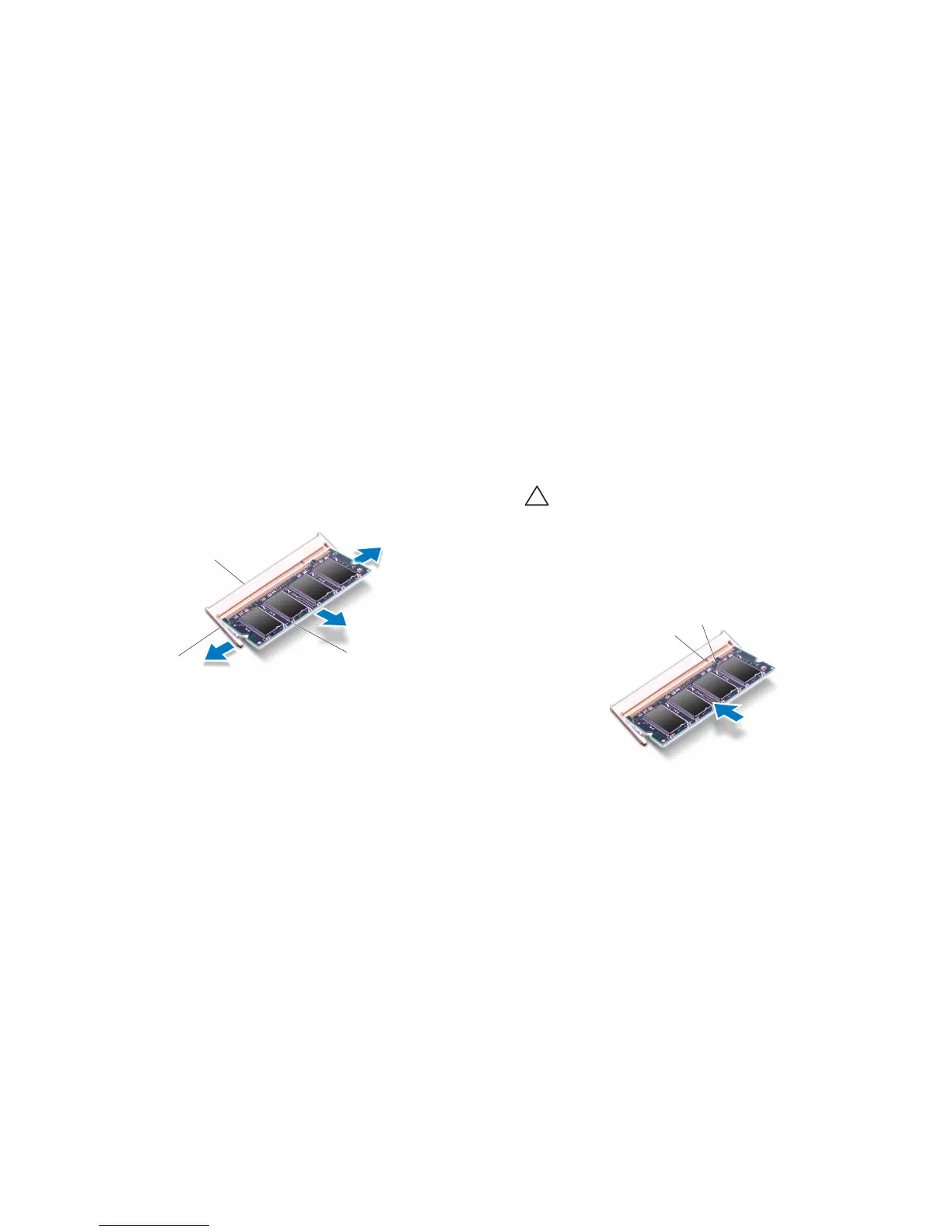
Use your ngertips to carefully spread apart the spring-locks on the memory 6.
module connector until the module pops up.
Remove the memory module.7.
1 memory module connector 3 memory module
2 spring locks (2)
Replacing the Memory Module(s)
CAUTION: If you need to install memory modules in two connectors,
install a memory module in the lower connector before you install a
module in the upper connector.
Follow the instructions in “Before You Begin” on page 1. 6.
Align the notch on the memory module with the tab on the memory module 2.
connector.
Insert the module into the memory module connector at a 45-degree angle, 3.
and press the module down until it clicks into place. If you do not hear the
click, remove the module and reinstall it.










 To Next Page