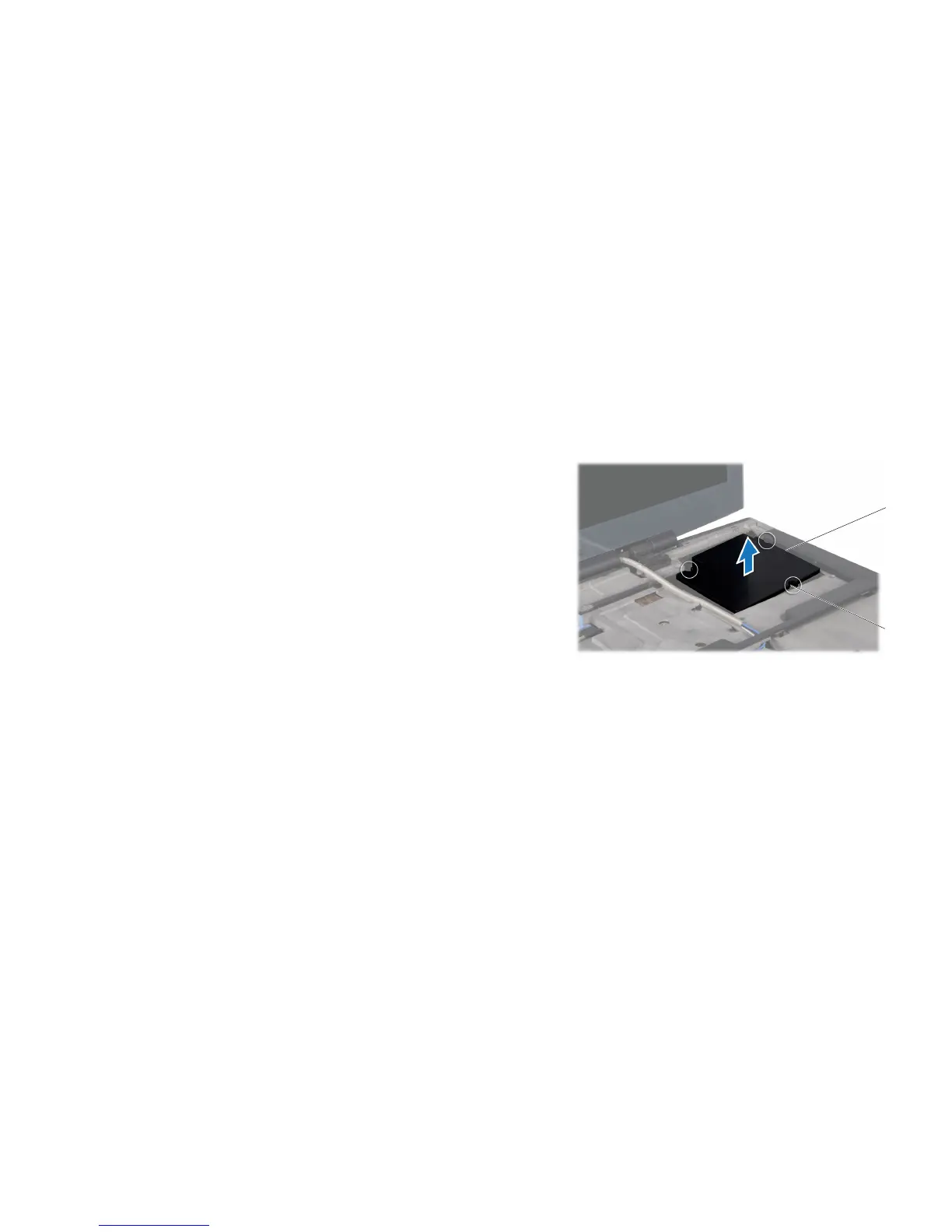
1 graphics card blank 2 captive screws (3)
Removing the Graphics Card Blank
Follow the instructions in “Before You Begin” on page 1. 6.
Remove the battery pack (see “Removing the Battery Pack” on page 2. 11).
Remove the compartment door (see “Removing the Compartment Door” on 3.
page 14).
Remove the center control cover (see “Removing the Center Control Cover” 4.
on page 33).
Remove the keyboard (see “Removing the Keyboard” on page 5. 38).
Remove the right bracket (see “Removing the Brackets” on page 6. 47).
Loosen the three captive screws that secure the graphics card blank to the 7.
computer base.
Lift the graphics card blank o the computer base. 8.










 To Next Page