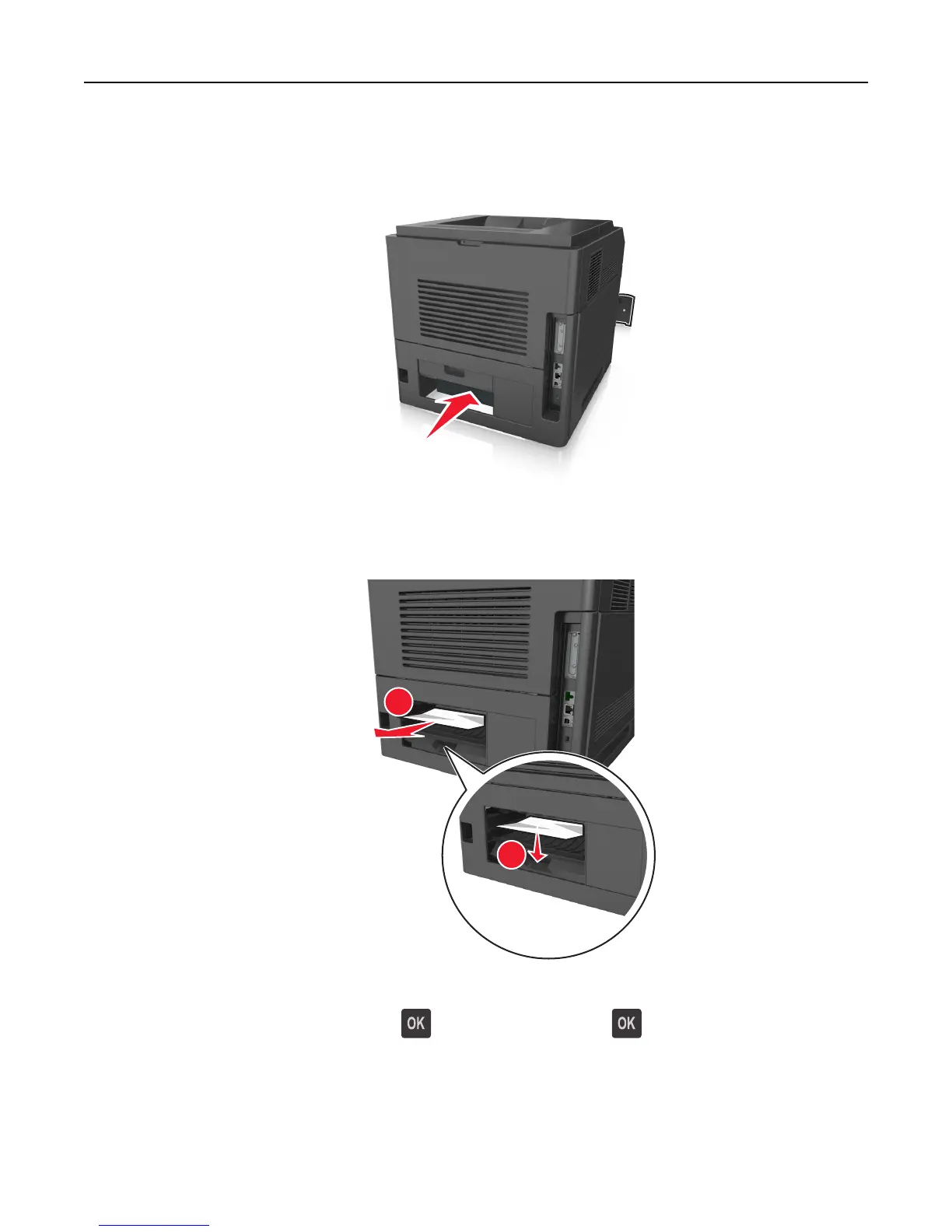
4 Push the back of the standard tray.
5 Press down the rear duplex flap, then firmly grasp the jammed paper, and then gently pull the paper out.
Note: Make sure all paper fragments are removed.
2
1
6 Insert the standard tray.
7 From the printer control panel, select Next > > Clear the jam, press OK > to clear the message and continue
printing.
Clearing jams 161















 To Next Page