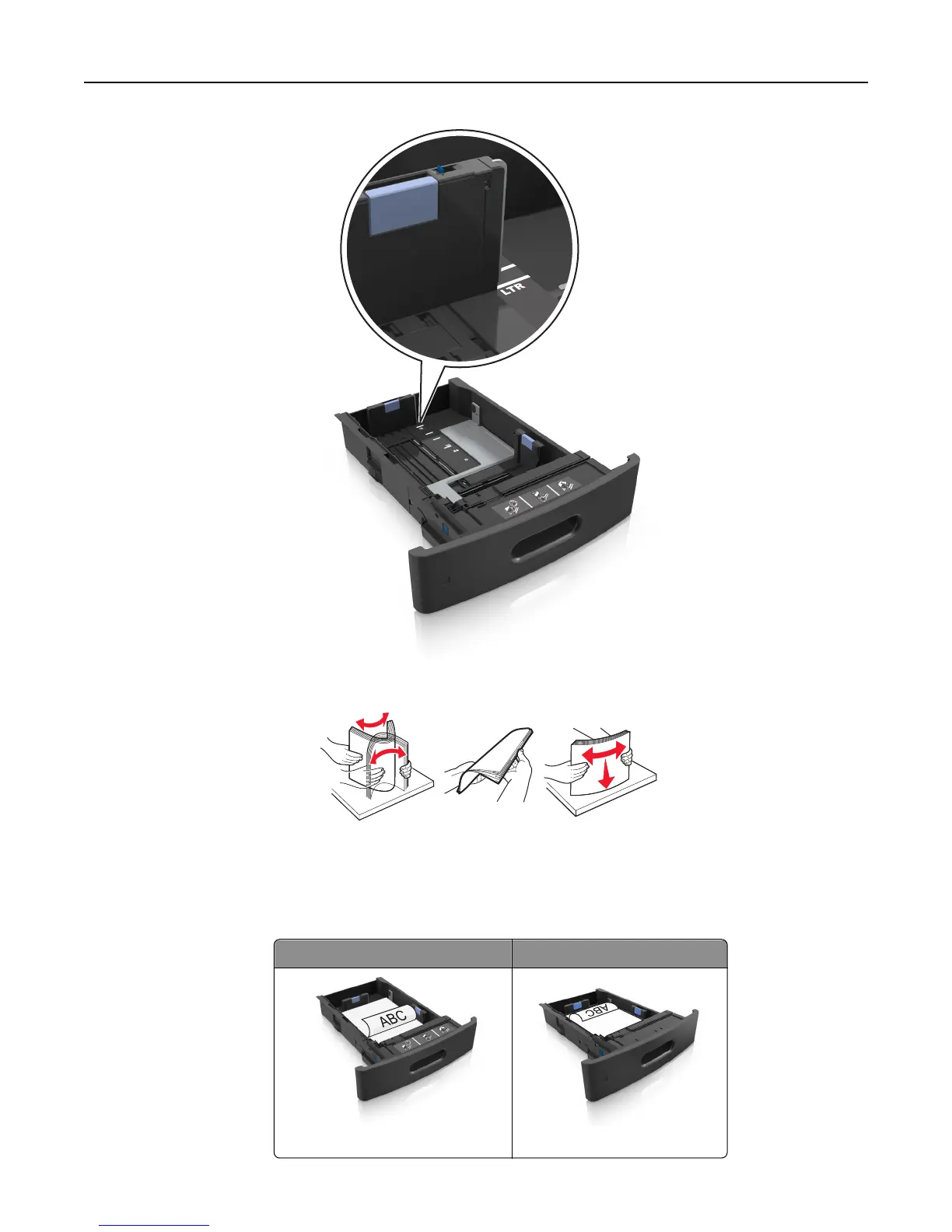
4 Flex and fan the sheets to loosen them. Do not fold or crease the paper. Straighten the edges on a level surface.
5 Load the paper stack with the printable side facedown.
Note: Make sure the paper or envelope is loaded properly.
• There are different ways for loading letterhead depending on whether an optional staple finisher is installed or
not.
Without an optional staple finisher With an optional staple finisher
One‑sided printing One‑sided printing
Loading paper and specialty media 47















 To Next Page