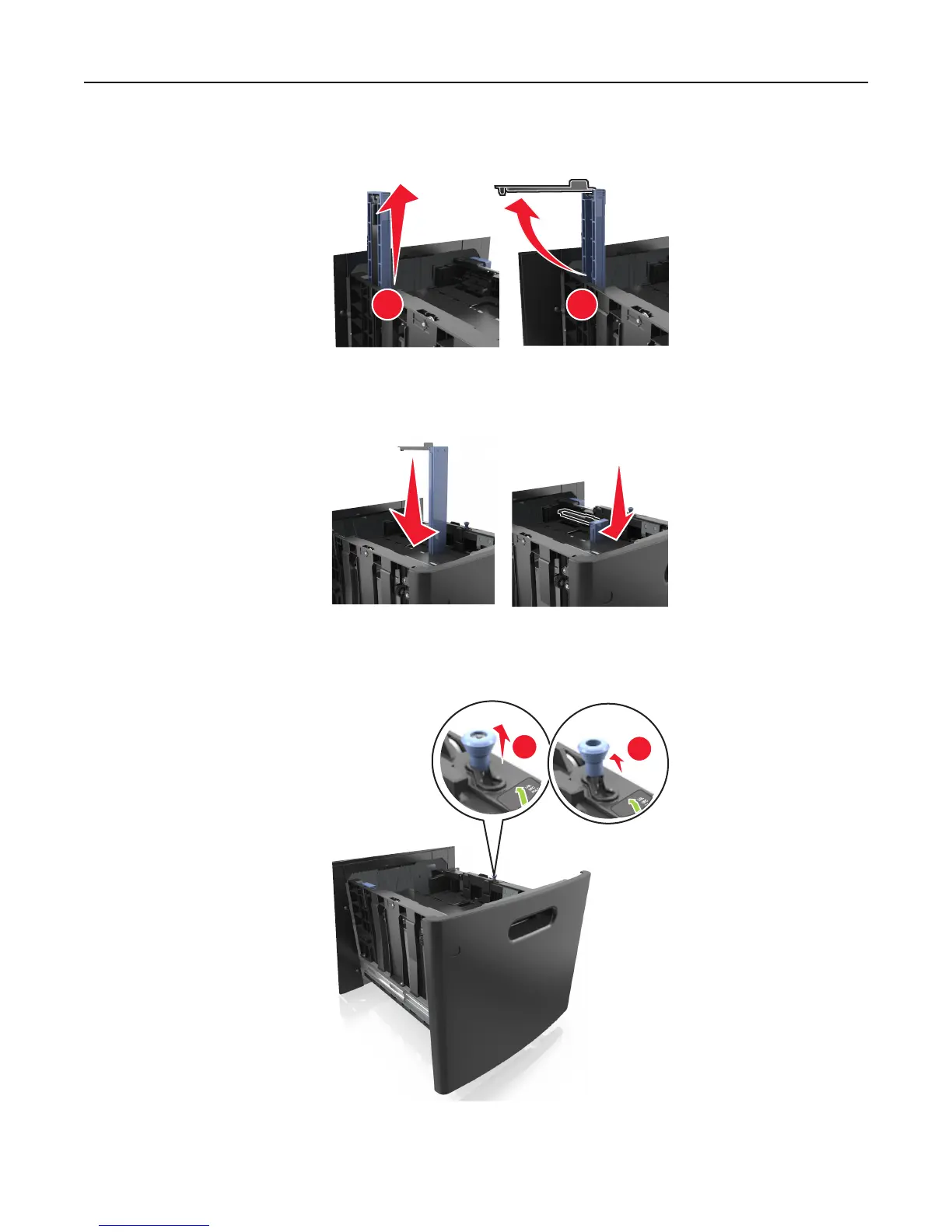
c Remove the A5 length guide from its holder.
1
2
d Insert the A5 length guide into its designated slot.
Note: Press the A5 length guide until it clicks into place.
Loading A4‑, letter‑, legal‑, oficio‑, and folio‑size paper
a Pull up and slide the width guide to the correct position for the size of the paper being loaded.
2
LG
L
O
FC
FO
LIO
LTR
1
Loading paper and specialty media 51















 To Next Page