Setting Up the Monitor │ 35
C2723H
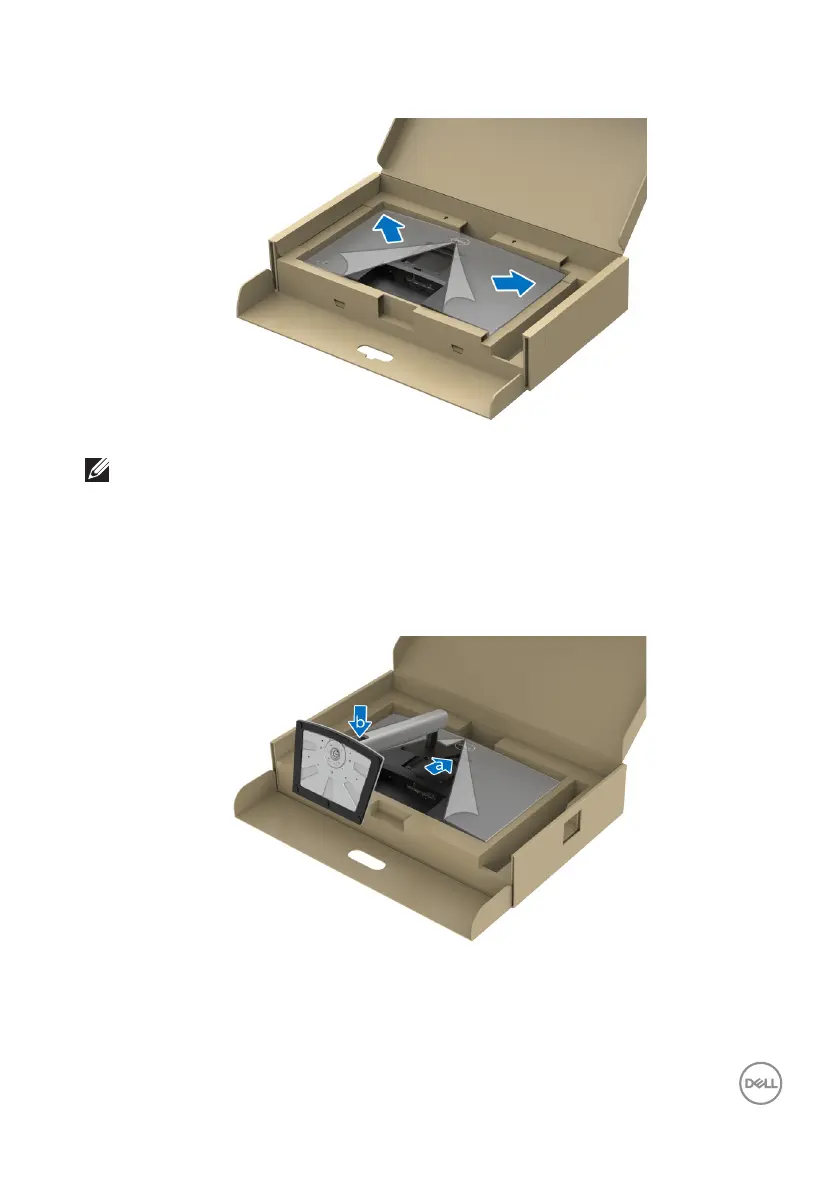
NOTE: Before attaching the stand assembly to the display, ensure that
the front plate flap is opened to allow space for assembly.
7. A
ttach the stand assembly to the display.
a. A
lign and slide the tabs on the stand riser into the VESA slot.
b. Pr
ess the stand down till it snaps into place.
C2423H














 To Next Page