Operating the Monitor │ 73
Setting Up the Monitor Webcam as Default Setting
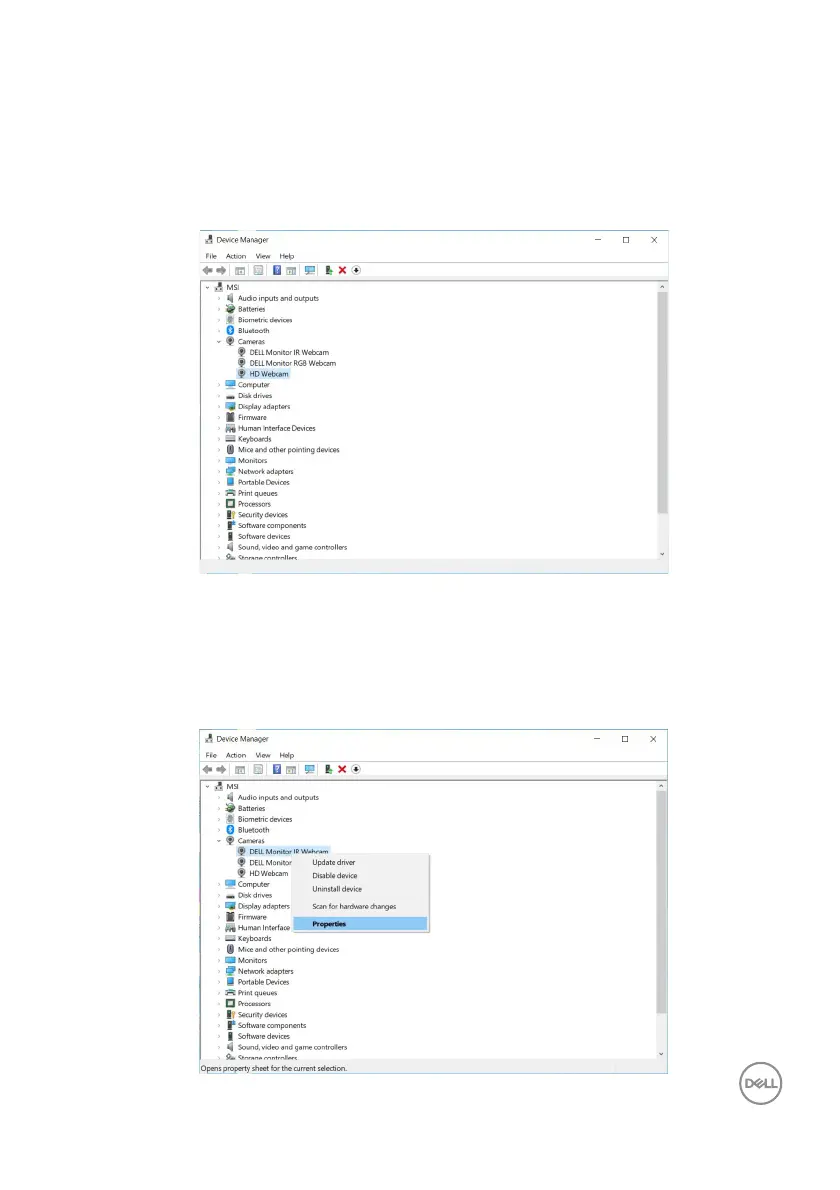
When using a notebook with built-in webcam to connect this monitor, in the device
manager interface, you can find the notebook built-in webcam and the monitor
webcam. Normally, they are in enable status, and the default setting is using
notebook built-in webcam.
If you want to set up the monitor webcam as default setting, you need to disable
the notebook built-in webcam. To identify the notebook built-in webcam and disable
it, please follow below instruction:
Right-click DELL
Monitor IR Webcam, and click Properties to open the DELL
Monitor IR Webcam Properties.














 To Next Page