82 │ Tro u b l esh ooti n g
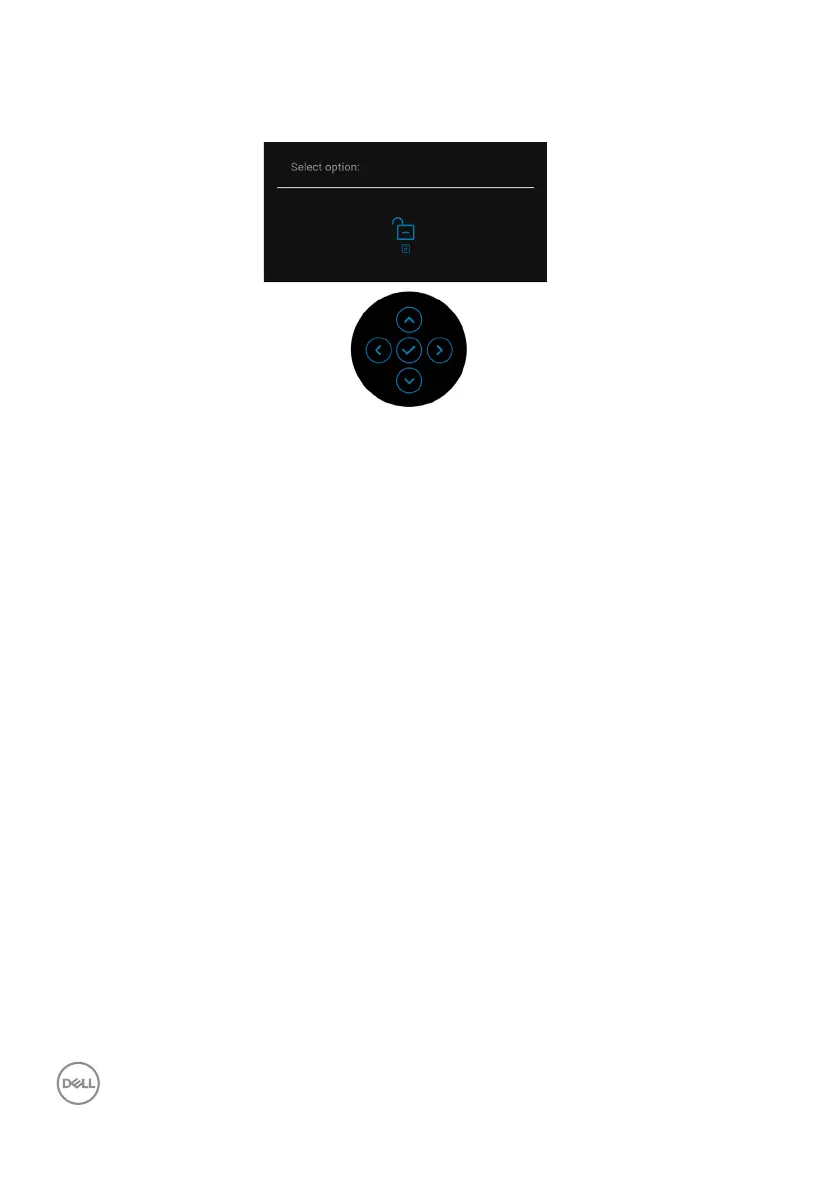
To unlock the button(s), press and hold the joystick to the up or down or left or
right for 4 seconds. Select the Unlock icon to unlock the button(s).
Updating Monitor Firmware
You may verify your current firmware revision in Firmware. If this is not available, go
to the Dell download support site for
the latest application installer (Monitor
Firmware Update Utility.exe) and refer to the Firmware Update Instruction
User's Guide: www.dell.com/C2423H, www.dell.com/C2723H.














 To Next Page