50 │ Operating the Monitor
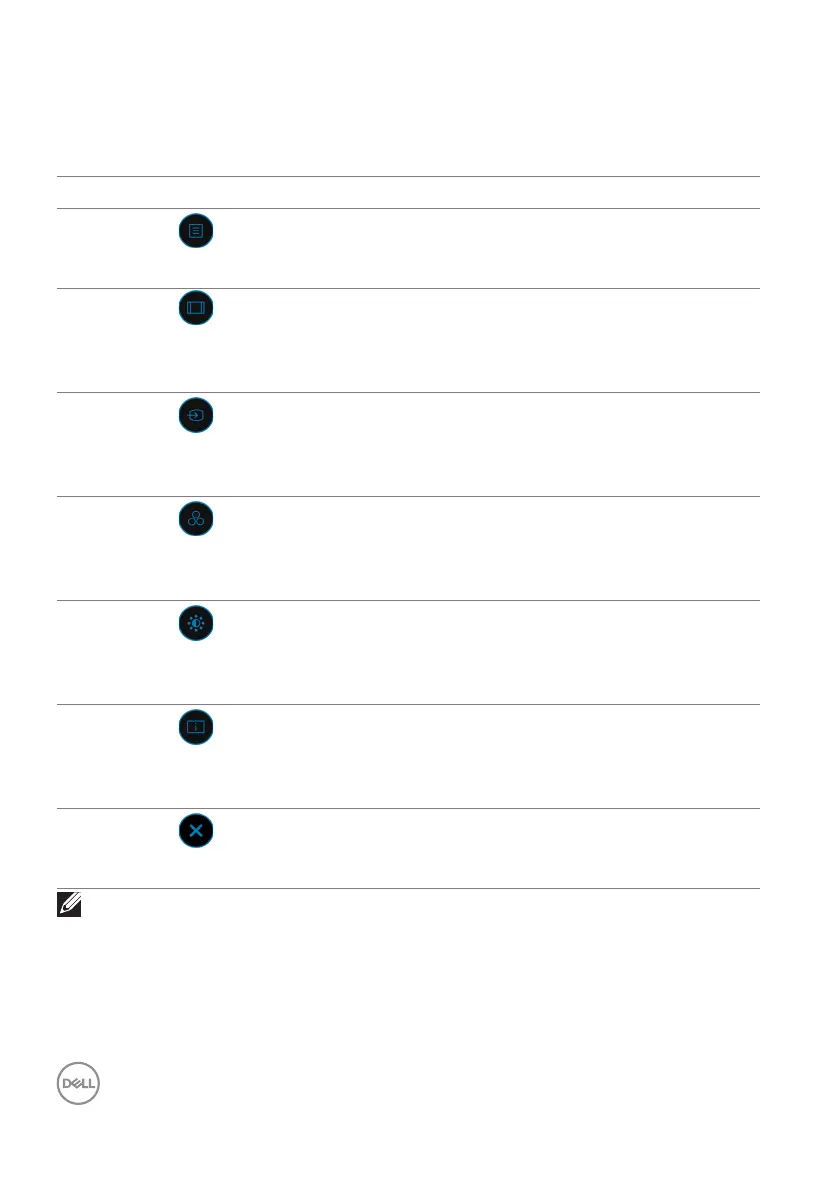
The following table describes the Menu Launcher functions:
Menu Launcher Details
Menu Launcher Icon Description
Main Menu
Opens the On-Screen Display (OSD). See
Accessing the Menu System.
Aspect Ratio
(Shortcut Key 1)
Adjusts the aspect ratio of your screen.
Input Source
(Shortcut Key 2)
•Sets the Inp
ut Source.
•Select Au
to from Input Source menu to scan
for available input sources.
Preset Modes
(Shortcut Key 3)
Allows you to choose from a list of preset color
mo
des.
Brightness/Contrast
(Shortcut Key 4)
Select this icon to adjust the brightness and
con
trast level.
Display Info
(Shortcut Key 5)
Displays the monitor's current status.
Exit
Exits from the OSD main menu.
NOTE: You can set your preferred Shortcut Key. See Personalize for
details.














 To Next Page