38 │ Setting Up the Monitor
Operating the Monitor Webcam
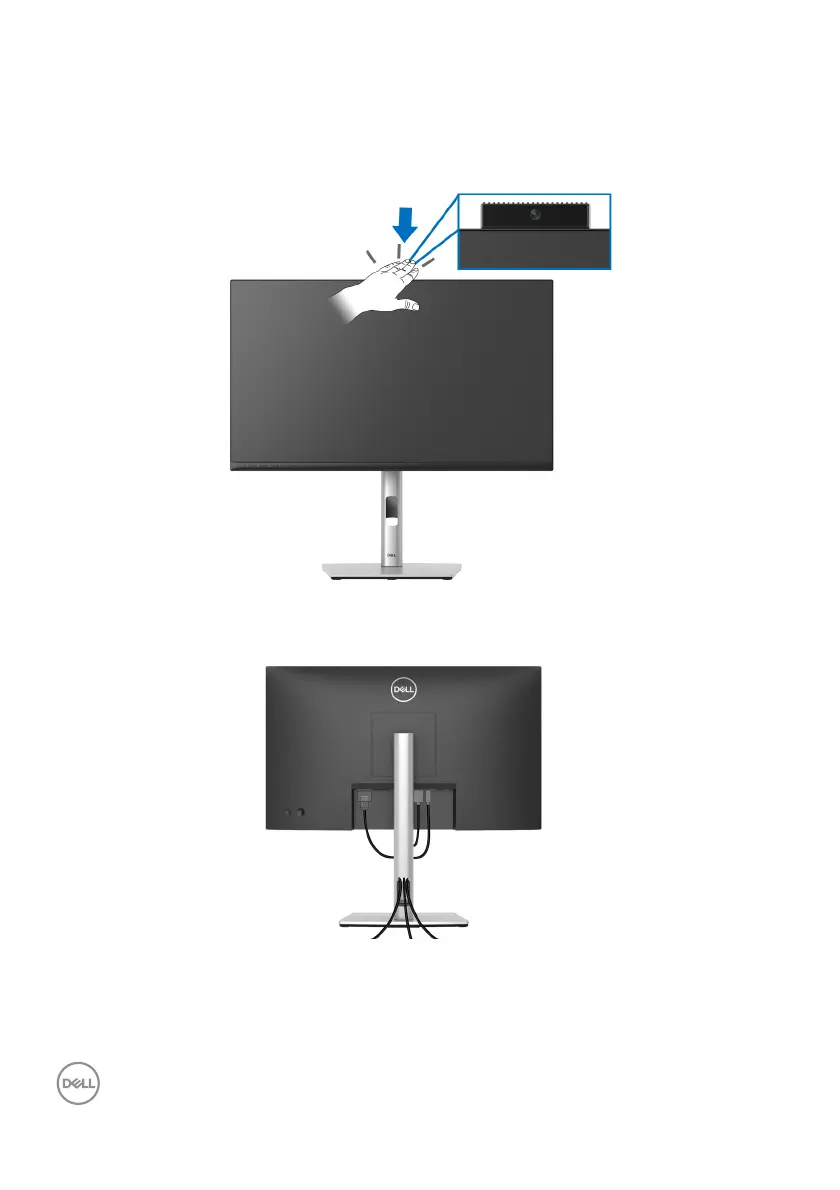
When you want to use the monitor built-in webcam, press down on the webcam
module and then release. The webcam module will pop up.
Organizing Your Cables
After attaching all necessary cables to your monitor and computer (See Connecting
Your Monitor for cable attachment), organize all cables as shown above.
If your cable is not able to reach your PC, you m
ay connect directly to the PC
without routing through the slot on the monitor stand.














 To Next Page