Operating the Monitor │ 65
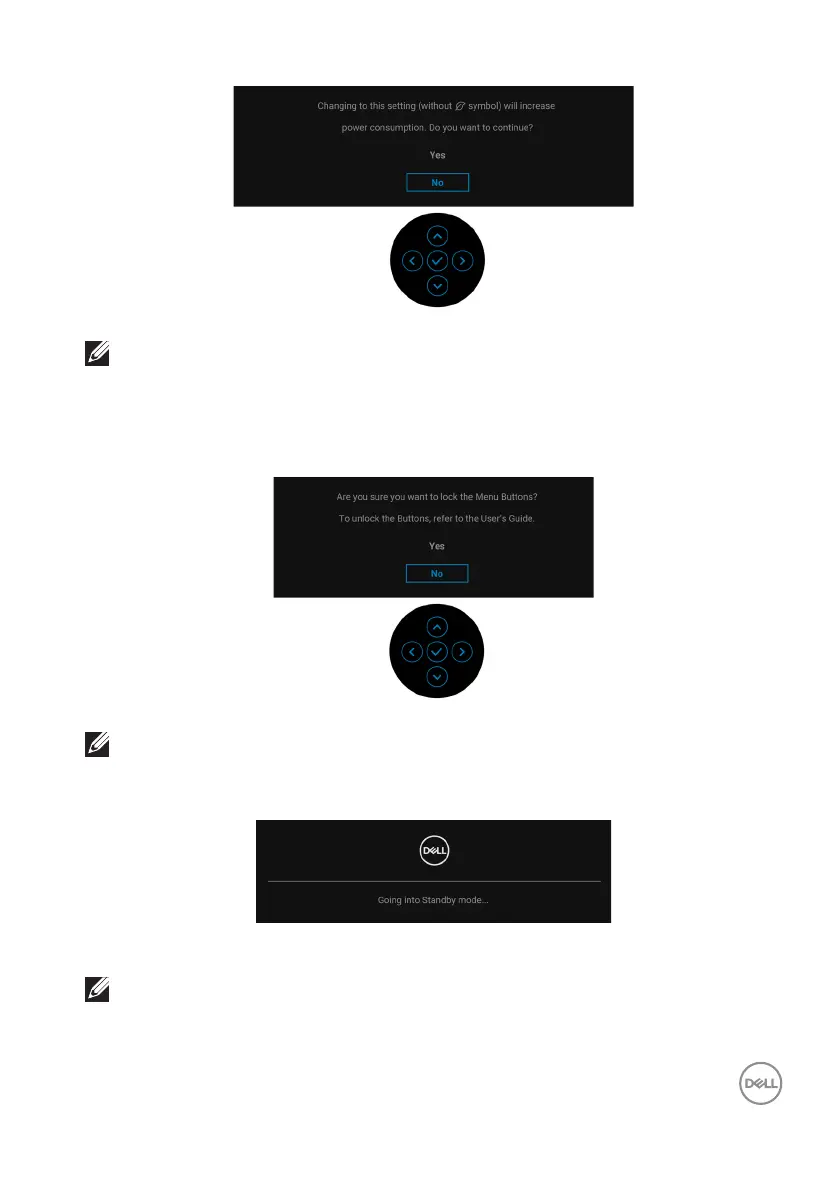
NOTE: If you select Yes for any one of the features mentioned above,
the message will not appear next time you intend to change the
settings of these features. When you perform a factory reset, the
message will appear again.
You will see the following message before the Lo
ck function is activated:
NOTE: The message may be slightly different according to the selected
settings.
When the monitor goes into Standby mo
de, the following message appears:
Activate the computer and wake up the monitor to gain access to the OSD.
NOTE: The message may be slightly different according to the
connected input signal.














 To Next Page