Operating the Monitor │ 67
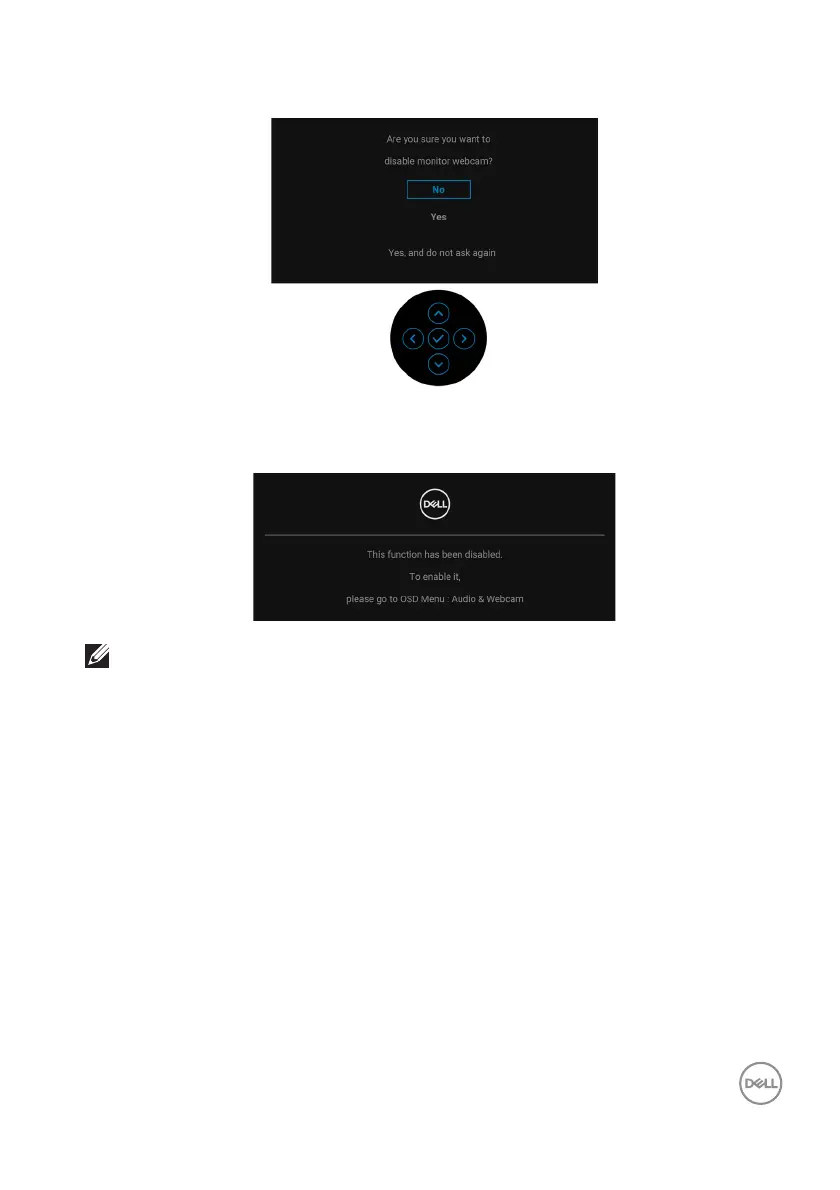
When Disable is selected for the Webcam, the following message appears:
When the Webcam is disabled and the webcam module pop up, the following
message appears:
NOTE: For Webcam and Microphone to work, connect the USB
upstream cable from the PC to the monitor.
See Trou b l es hoot ing for more information.














 To Next Page