356 Clearing Jams
Identifying the Location of Paper Jams
WARNING: Do not attempt to clear any jams using tools or instruments. This may permanently damage the printer.
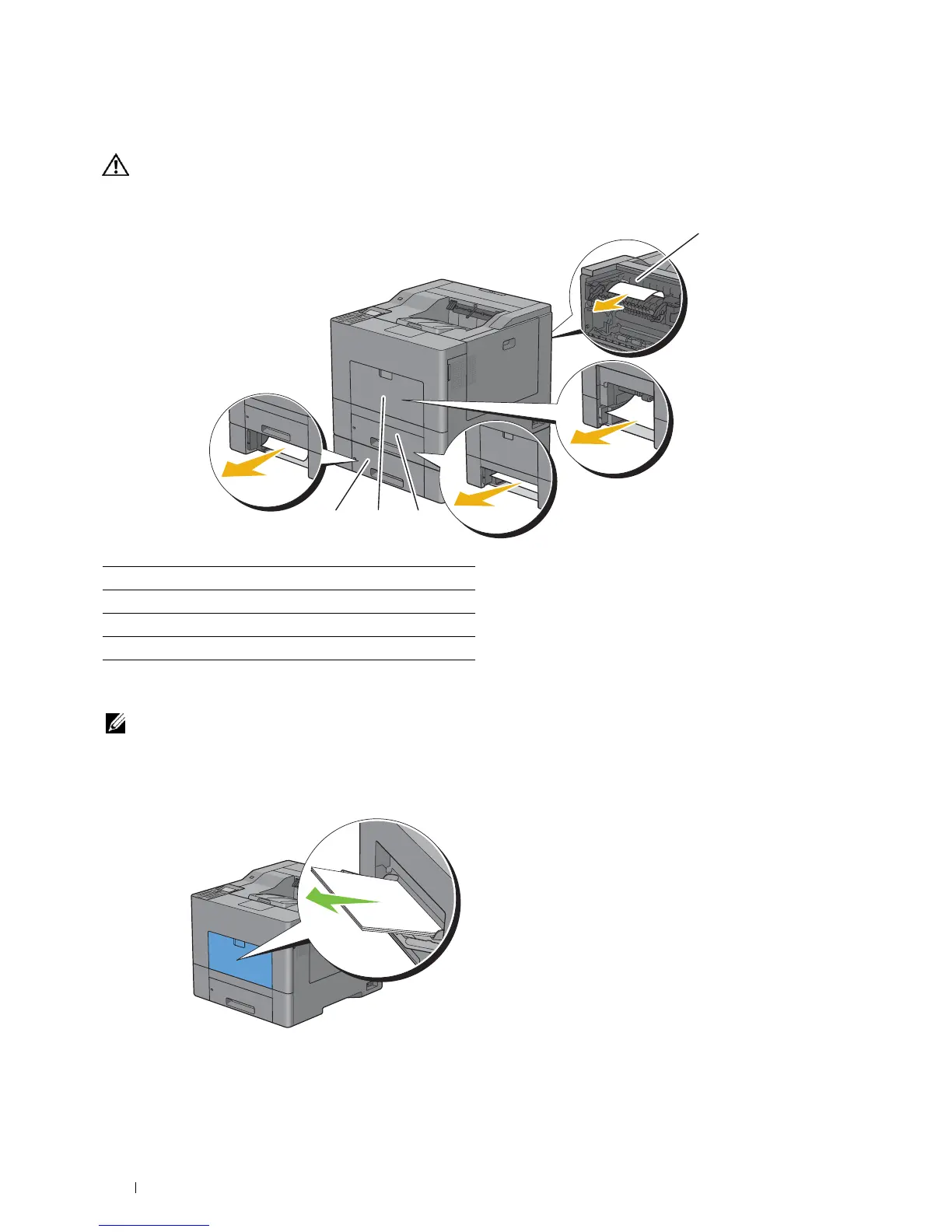
The following illustration shows where paper jams may occur along the print media path.
Clearing Paper Jams From the MPF
NOTE: To resolve the error displayed on the LCD panel, you must clear all print media from the print media path.
If error code: 050-112 appears:
1
Remove any paper loaded on the MPF
1 Fusing Unit
2 Tra y1
3 MPF
4 Optional 550-Sheet Feeder
1
234



 To Next Page
 Loading...









