544 Troubleshooting Guide
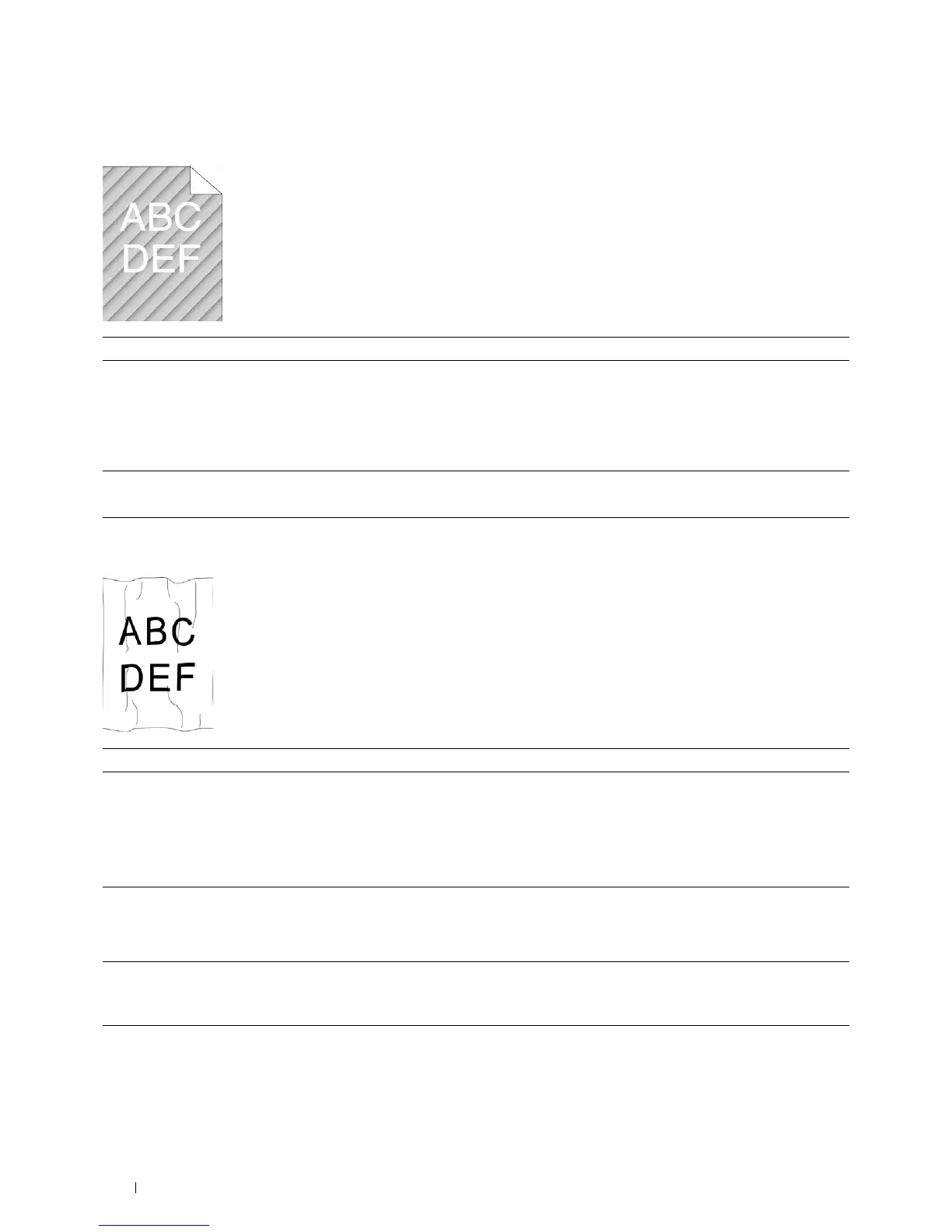
Auger mark
Wrinkled/Stained paper
Action Yes No
1 Locate the cause of the problem using the Pitch Configuration Chart.
a
Launch the
Tool Box
, and click
Chart Print
on the
Diagnosis
tab.
b
Click
Pitch Configuration Chart
.
The Pitch Configuration Chart is printed.
Does the output match with the pattern for auger mark?
Go to action 2. Contact Dell.
2 Replace the drum cartridges. See "Replacing the Drum Cartridges."
Does this solve your problem?
The task is complete. Contact Dell.
Action Yes No
1 Verify that the correct print media is being used. See "Supported Paper
Types." If not, use the print media recommended for the printer.
Does this solve your problem?
The task is complete. If printing on an
envelope, go to action
2.
If printing on print
media other than
envelopes, contact Dell.
2
Check the wrinkle. Is the wrinkle within 30 mm of the four edges of the
envelope?
This type of wrinkle is
considered normal.
Your printer is not at
fault.
Go to action 3.
3 Load the envelopes in the MPF properly. For details, see "Loading an
Envelope in the MPF."
Does this solve your problem?
The task is complete. Contact Dell.



 To Next Page
 Loading...









