Operating the monitor │ 23
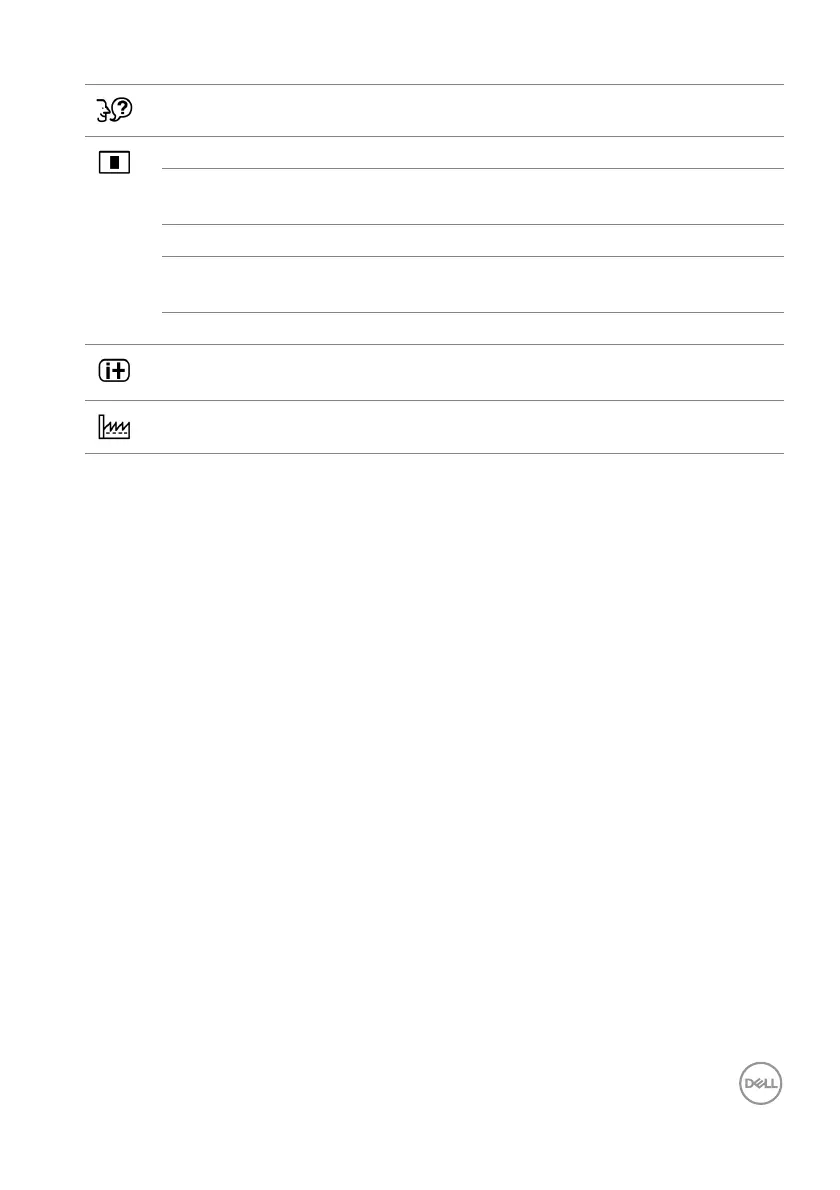
Language Sets the OSD menu language.
Setup Use the menu to adjust the OSD settings.
•OSD Position Use H.
Position and V. Position to adjust the
horizontal and vertical position of the OSD menu.
•OSD Time Out Adjusts the display time of the OSD menu.
•Auto Power-Off If you select On,
the monitor automatically
powers off after 3 hours of inactivity.
• FreeSync Sets FreeSync to On or Of
f.
Display
Information
Displays the monitor's current settings.
Reset Reset all settings to the factory preset values.












 To Next Page