Removing and Installing Parts 73
8
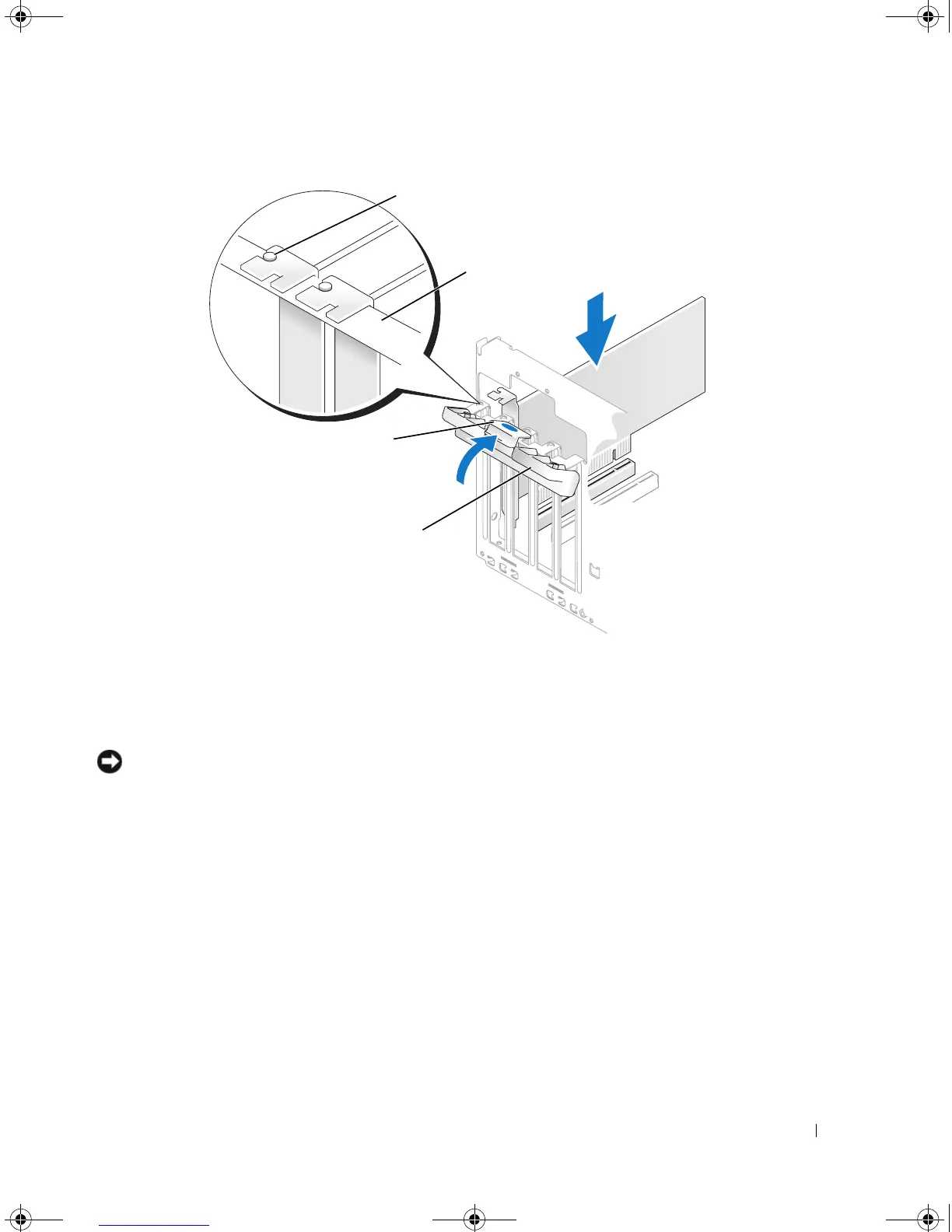
Close the card retention door by snapping it into place to secure the cards.
NOTICE: Do not route card cables over or behind the cards. Cables routed over the cards can prevent the
computer cover from closing properly or cause damage to the equipment.
9
Connect any cables that should be attached to the card.
See the documentation for the card for information about the card’s cable connections.
1 alignment guide 2 alignment bar 3 release tab
4 card retention door
2
4
3
book.book Page 73 Monday, July 23, 2007 3:47 PM














 To Next Page