Removing and Installing Parts 89
4
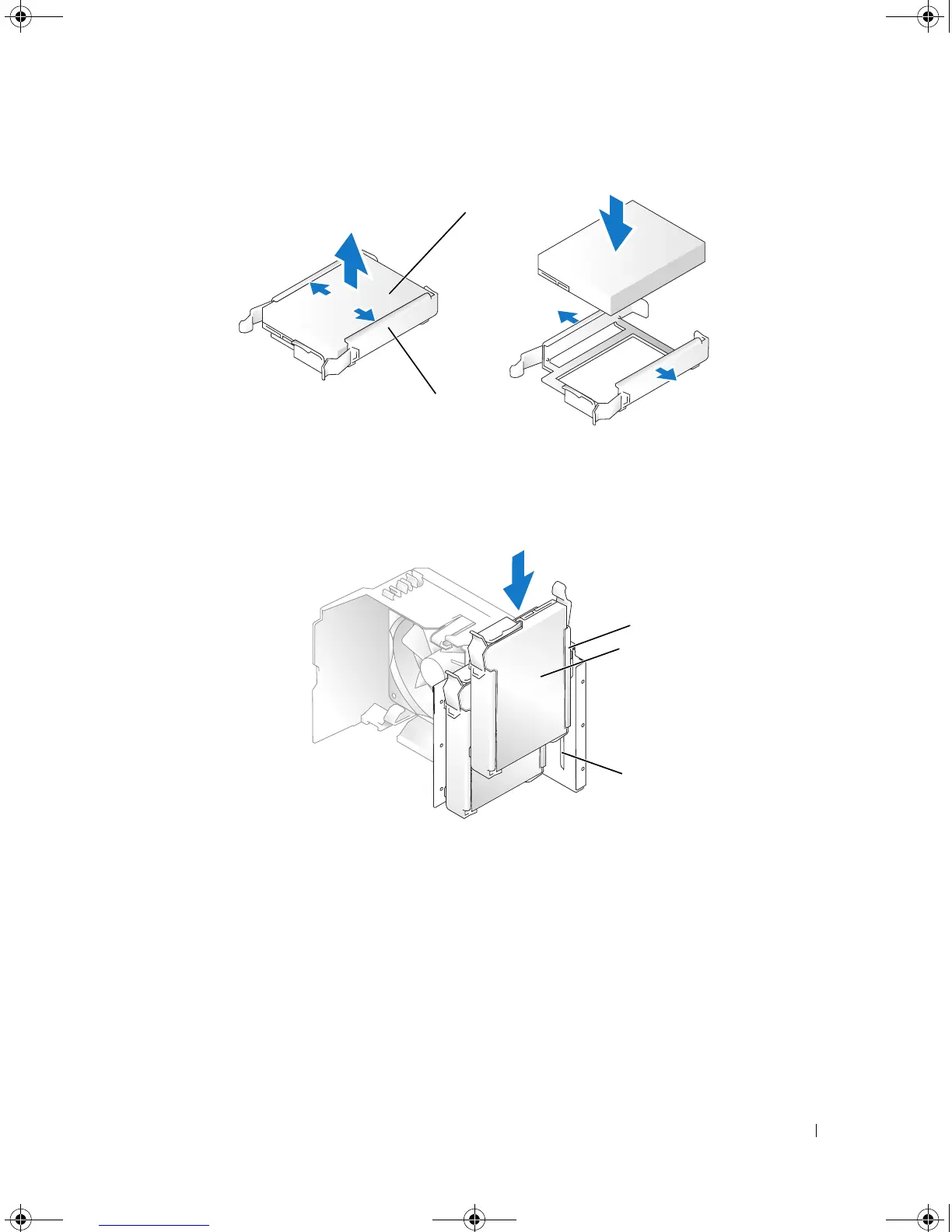
Align the hard drive bracket with the guides in the hard drive bay.
5
Gently slide the drive into place until you feel a click or the drive is securely installed. Take care not to
let the drive free-fall into the drive bay.
6
Connect the power and data cables to the drive.
1 drive 2 hard-drive bracket
1 hard-drive bracket 2 hard drive 3 guide in hard-drive bay
1
2
1
2
3
book.book Page 89 Monday, July 23, 2007 3:47 PM














 To Next Page