20 Setting Up the Monitor
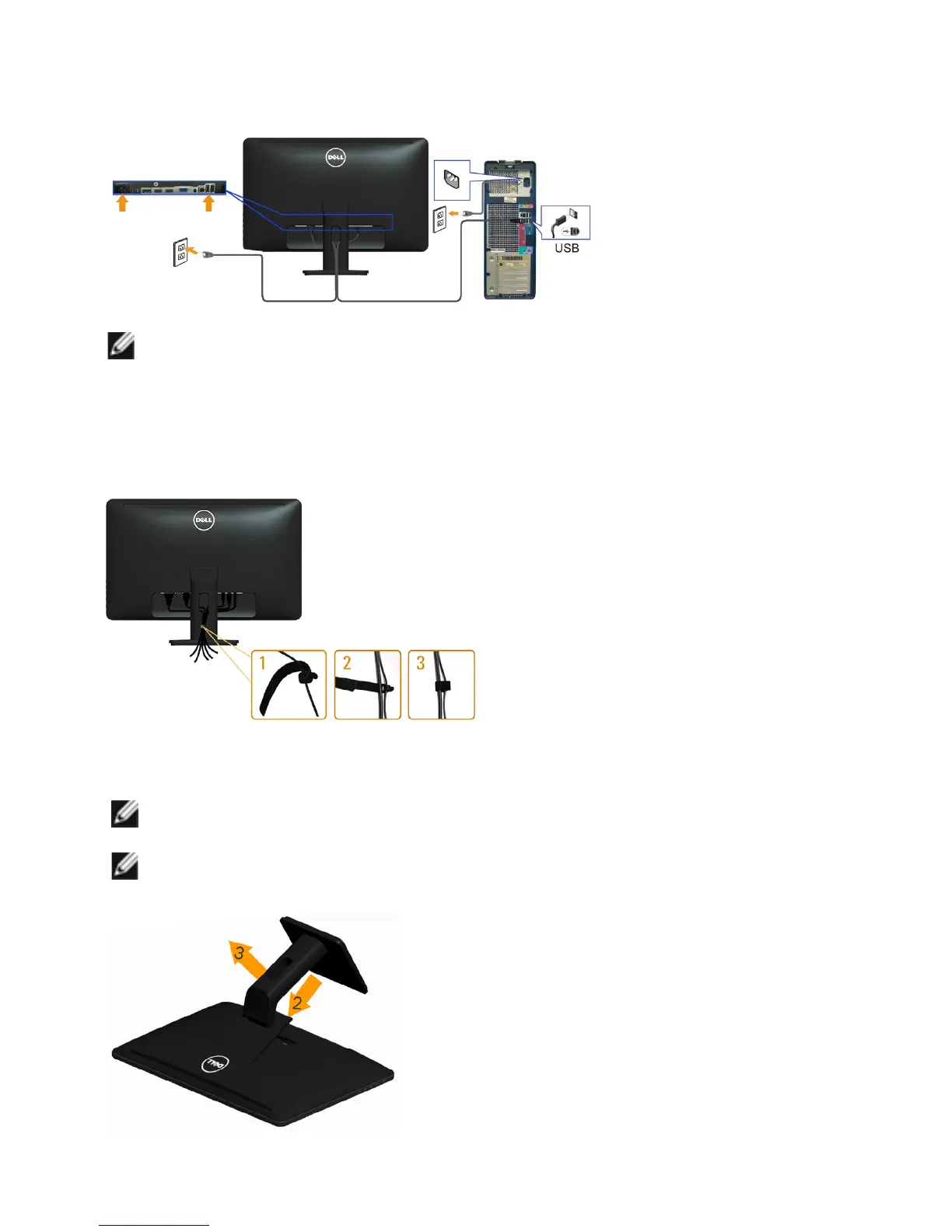
Connecting the USB Cable
NOTE: The graphics are used for the purpose of illustration only. Appearance
of the computer may vary.
Organizing Cables
After you connect all necessary cables to your monitor and computer, use the
cable-management slot toorganize the cables.
Removing the Stand
NOTE: To avoid scratching on the LCD screen while removing the
stand, make sure that the monitor is placed on a clean surface.
NOTE: If you purchased a dierent stand for your monitor, see the
documentation for that stand for setup instructions.



 To Next Page