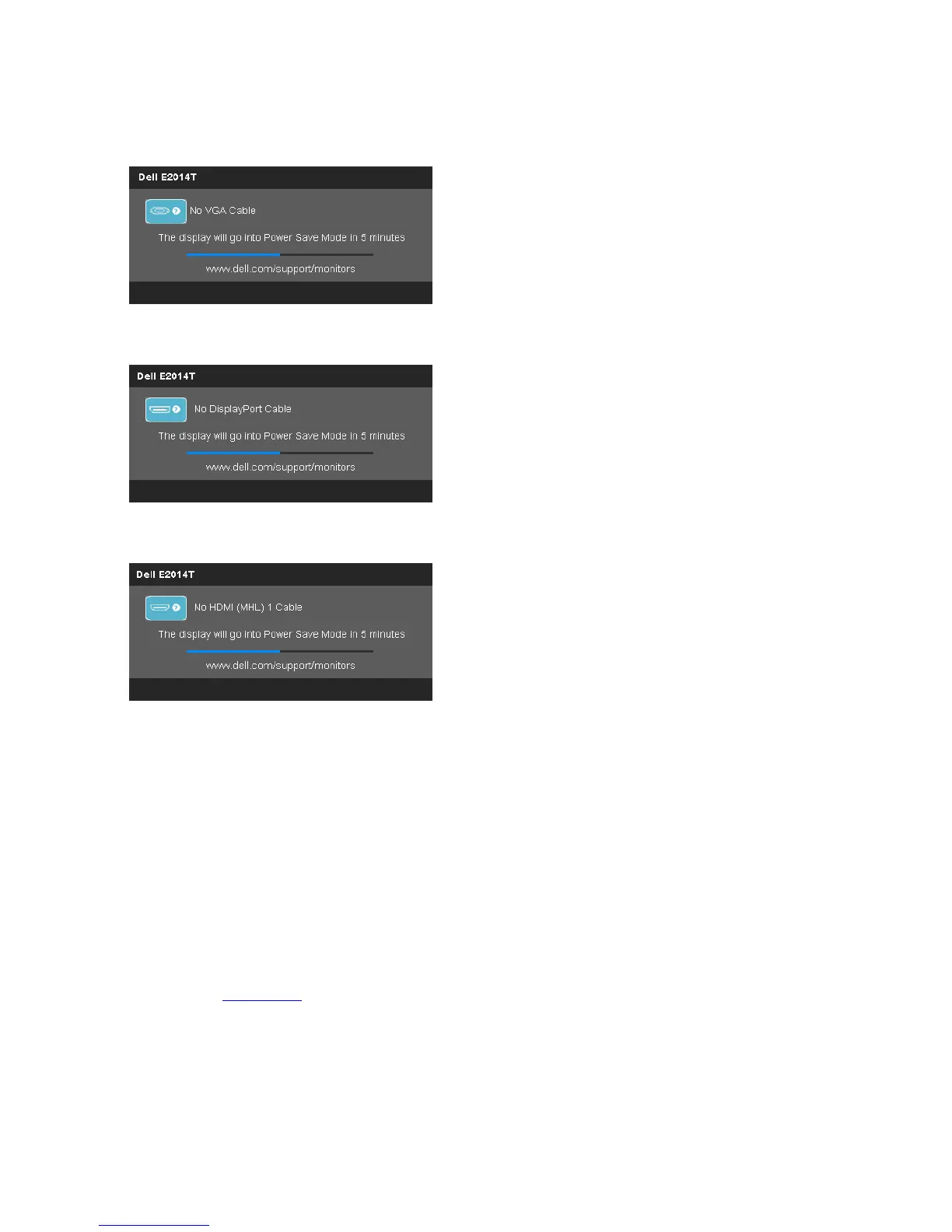
If you set the input to a particular mode but the cable for that mode (VGA, DP, or
HDMI) is disconnected, one of the following messages appears, depending on the
selected input.
or
or
For help on resolving errors, see Troubleshooting.
Setting the Maximum Resolution
In Windows Vista
®
, Windows
®
7 or Windows
®
8:
1. For Windows
®
8 only, select the Desktop tile to switch to classic desktop.
2. Right-click on the desktop and click Screen resolution.
3. Click the dropdown list of the Screen resolution and select 1600 x 900.
4. Click OK.
If you do not see 1600 x 900 as an option, you may need to update your graphics
driver. See Appendix.
Setting Up the Monitor 35



 To Next Page