3. Click Advanced Settings.
4. Identify your video card manufacturer (such as NVIDIA, ATI, Intel, and so on)
from the description at the top of the window.
5. See the computer or video-card manufacturer’s website for updated drivers.
After installing the updated drivers for your video card, try setting the resolution to
1600x900 again. If you are unable to set the resolution to 1600x900, contact
the manufacturer of your computer or consider purchasing a graphics adapter
that supports the resolution of 1600x900.
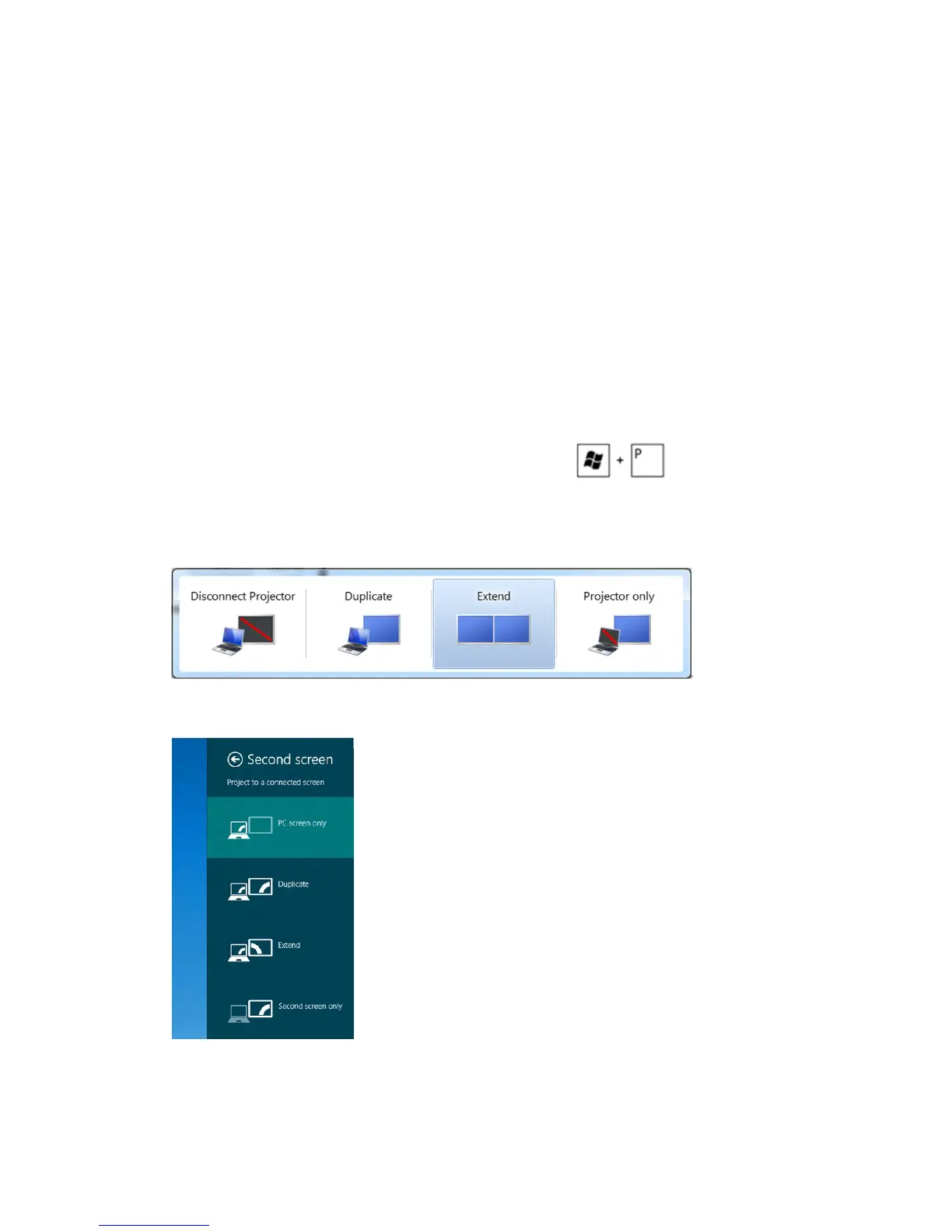
Setting up Dual Monitors
Connect the external monitor(s) to your computer and follow any of the below setup
method.
Using keyboard shortcut
1. Press the Windows key+<P> on your keyboard.
2. While holding down the Windows logo key, press <P> to toggle between the
display selections.
Windows Vista and Windows 7
Windows 8
Appendix 47



 To Next Page