or
or
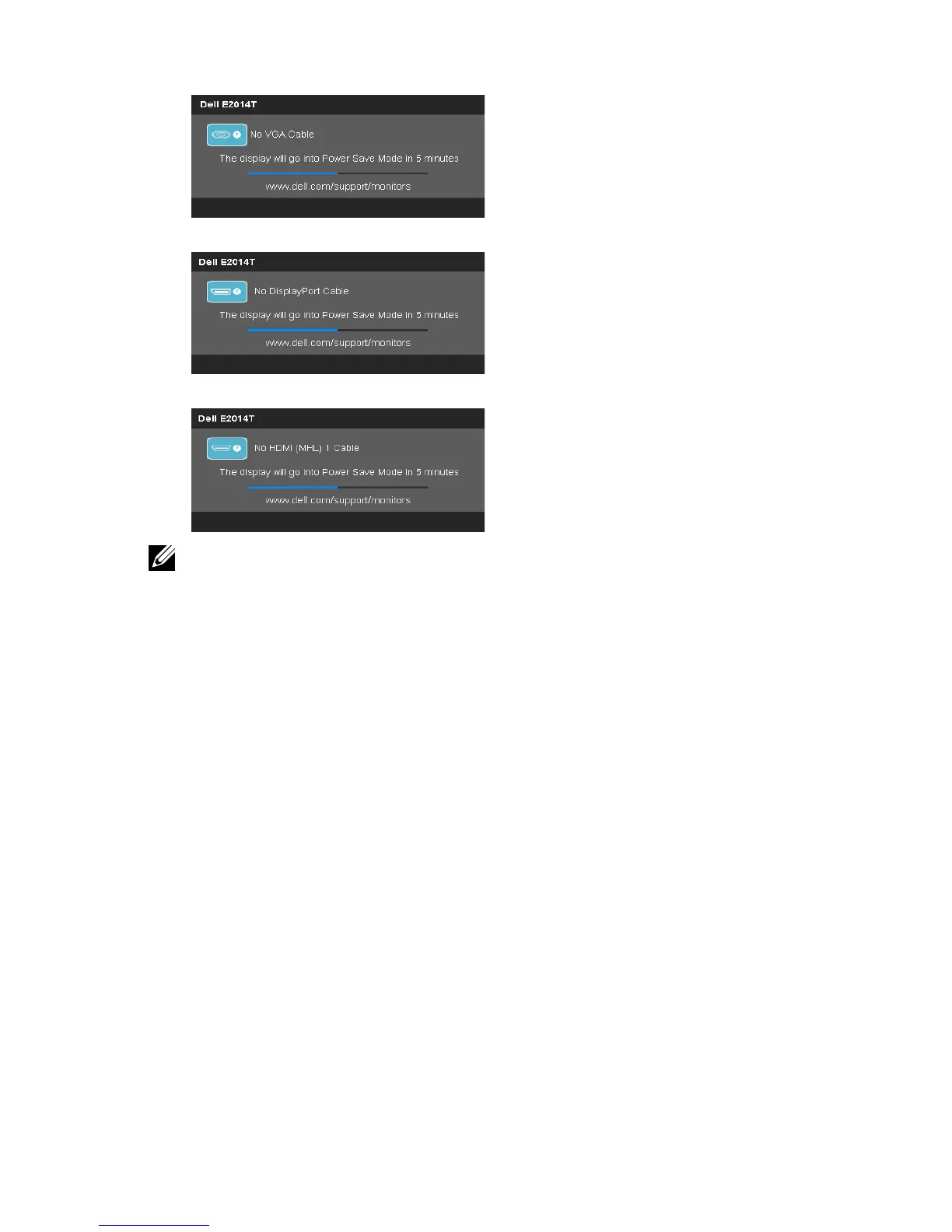
NOTE: This message also appears during normal operation if the display cable
gets disconnected or damaged.
4. Turn o your monitor and reconnect the video cable; then turn on both your
computer and the monitor.
If your monitor screen remains blank after you use the self test, check your video
controller and computer, it shows monitor has a problem.
Troubleshooting 37



 To Next Page