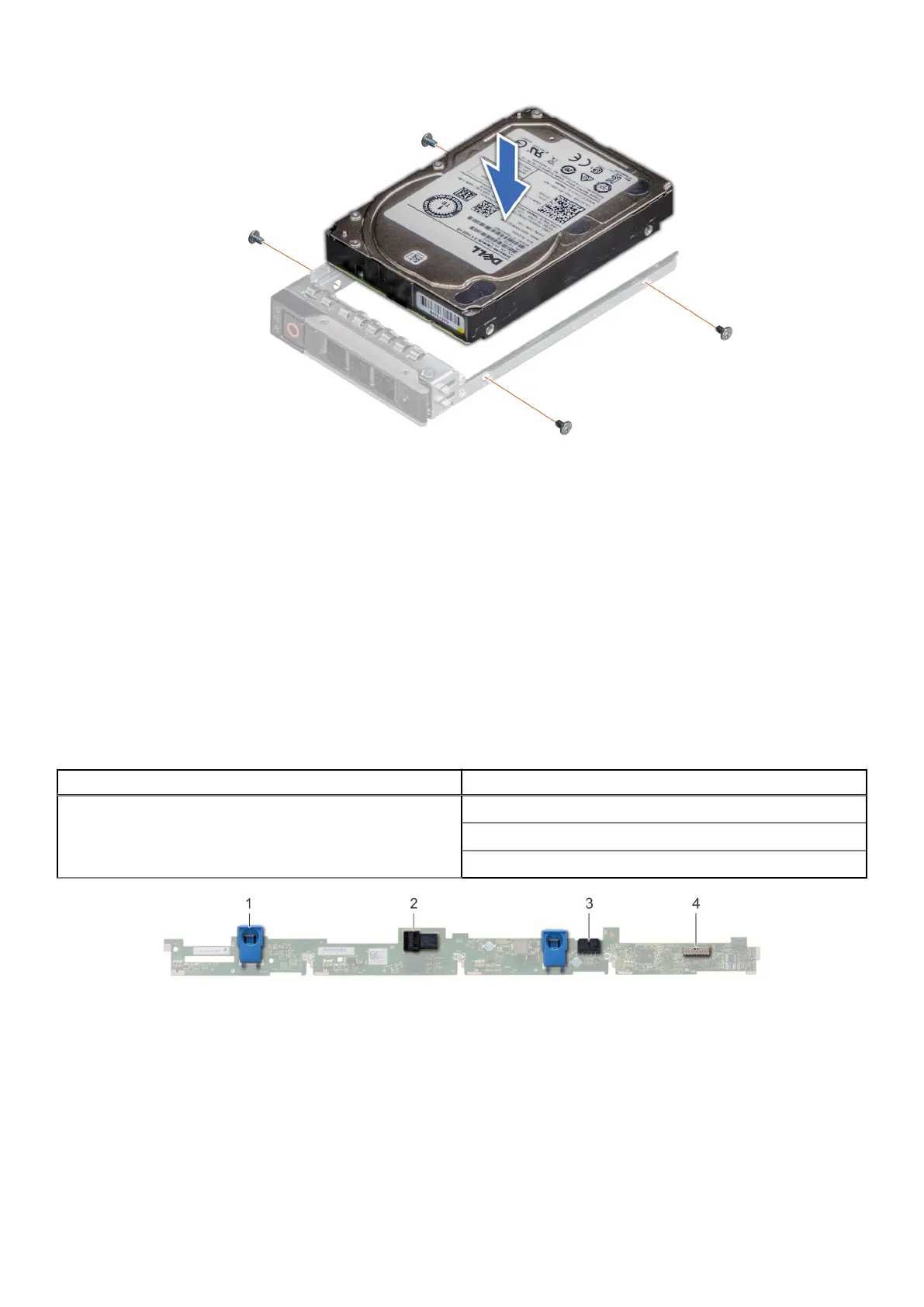
Figure 32. Installing a drive into the drive carrier
Next steps
1. Install the drive carrier.
2. If removed, install the front bezel.
Drive backplane
Drive backplane
Depending on your system configuration, the drive backplanes supported are listed here:
Table 11. Supported backplane options
System Supported hard drives options
PowerEdge R6515
3.5 inch (x4) SAS, SATA backplane
2.5 inch (x8) SAS or SATA backplane
2.5 inch (x10) SAS, SATA or NVMe backplane
Figure 33. 4 x 3.5-drive backplane
1. release tab
2. SAS_A connector on the backplane
3. backplane power cable
42
Installing and removing system components










 To Next Page