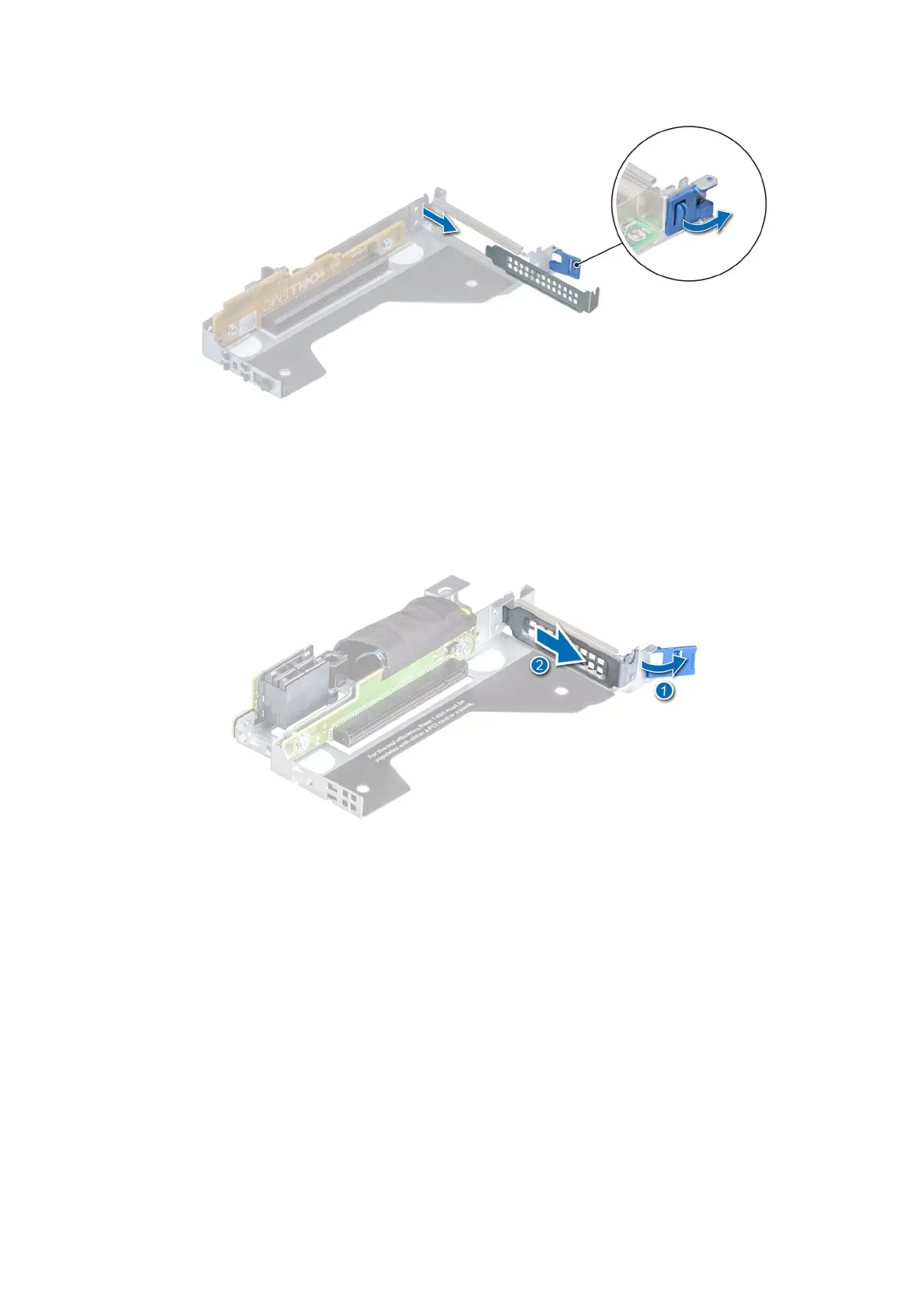
Figure 62. Removing a filler bracket from a low profile left riser
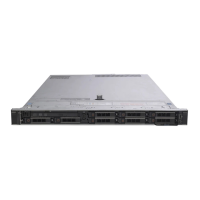
Figure 63. Removing a filler bracket from a low profile right riser
3. Hold the card by the edges, and align the card edge connector with the expansion card connector on the riser.
4. Insert the card edge connector firmly into the expansion card connector until the card is fully seated.
5. Close the expansion card retention latch.
68
Installing and removing system components










 To Next Page