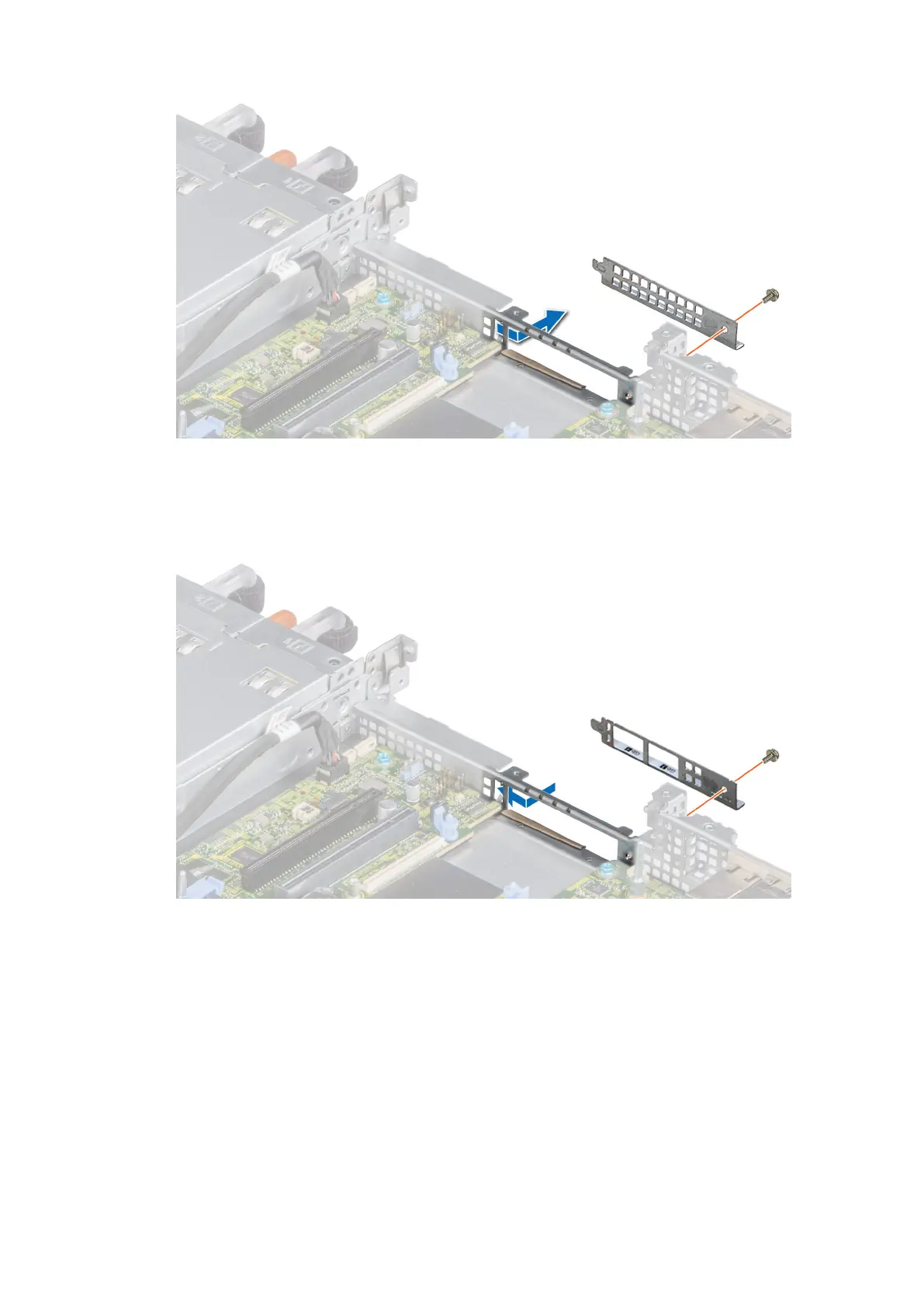
Figure 75. Removing the LOM filler bracket
2. Install the LOM bracket.
a. Insert and slide the LOM bracket into the slot on the system.
b. Using the Phillips #2 screwdriver, secure the bracket to the system with a screw
Figure 76. Installing the LOM riser bracket
3. Orient the LOM riser card to fit the Ethernet connectors or the SFP+ through the slot of the bracket.
4. Press the LOM riser card until the card is firmly seated on the system board connector and the two blue plastic clips to
secure the LOM riser card in place.
5. Using a Phillips #2 screwdriver, secure the LOM riser card to the system board with screws.
78
Installing and removing system components










 To Next Page