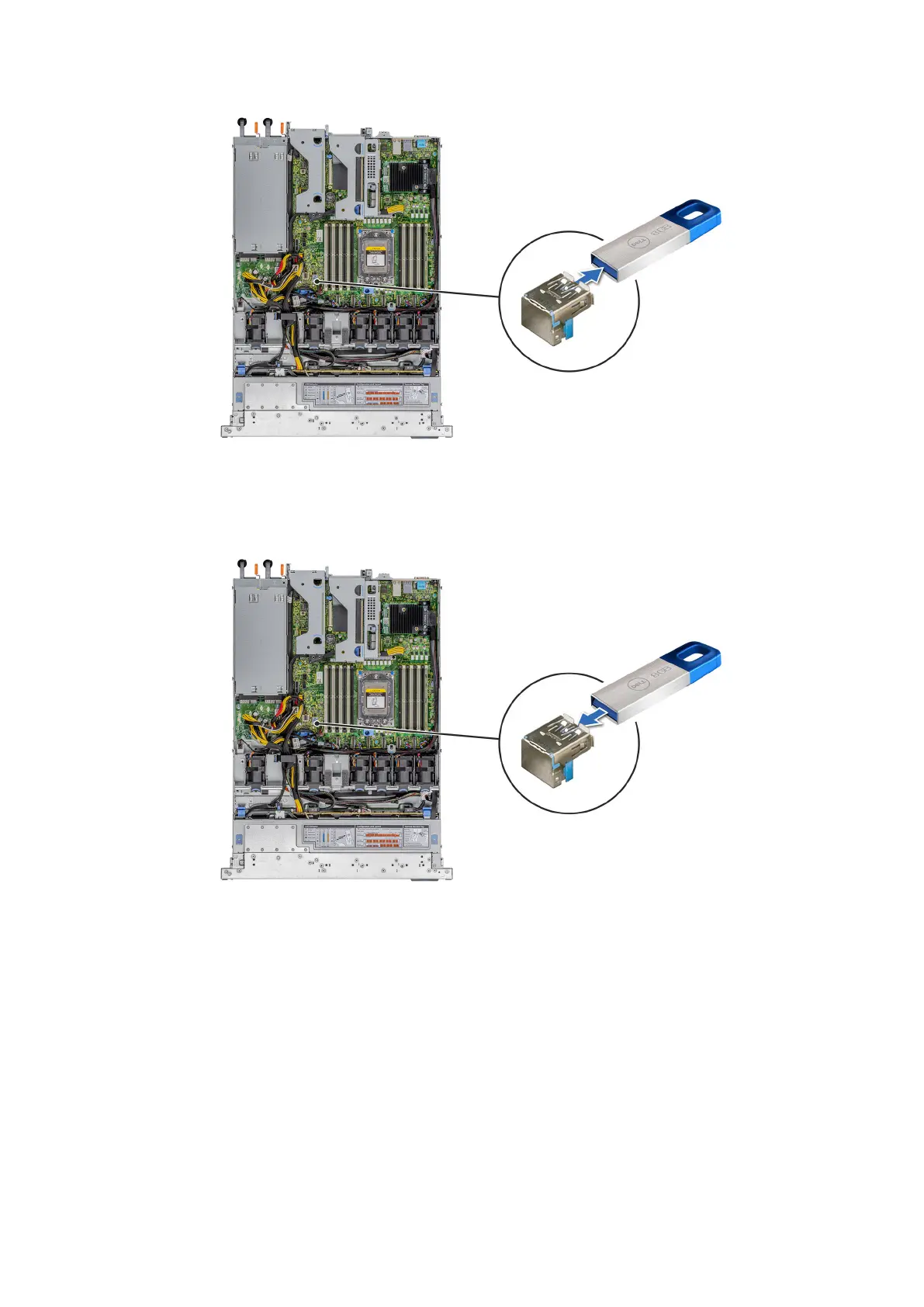
Figure 84. Removing the USB memory key
3. Insert the replacement USB memory key into the USB port.
Figure 85. Installing the USB memory key
Next steps
1. Install the air shroud.
2. Follow the procedure listed in After working inside your system.
3. While booting, press F2 to enter System Setup and verify that the system detects the USB memory key.
84
Installing and removing system components










 To Next Page