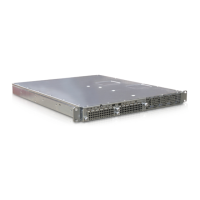
PS6010 Hardware Maintenance Basic Array Information
1–7
- No parity
- 8 data bits
- No flow control
2. Log in to an account with read-write access, such as the
grpadmin account.
3. Enter the
shutdown command, as shown next.
If you are using a serial connection to shut down an array, it is safe to turn off
power when the “press any key” message appears. (Pressing any key will restart
both control modules.)
If you are using a network connection, the session will be disconnected before the
array is fully shut down. Confirm that the CACT LED on each control module is
off (not lit) before turning off power to the array.
After performing array maintenance, you can turn on power to the array. When the
array restart completes, the member and volumes will be set online.
login: grpadmin
Password:
Welcome to Group Manager
Copyright 2001-2009 Dell, Inc.
group1> shutdown


 To Next Page