PS6010 Hardware Maintenance Basic Array Information
1–4
Warning LED Status Conditions
When the Warning LED is flashing orange, one or more of the following has
occurred:
• RAID set is degraded but still functioning.
• RAID set (volume level) has lost blocks.
• Component temperature is near a limit.
• Fan failed or fan RPMs exceed limit.
• Power supply is not installed or has no power.
• Cache battery has less than 72 hours of charge.
• Only one control module installed or control module has failed over.
• Control module has insufficient RAM.
• Syncing active and secondary control modules.
• No communication between control modules.
• Installed spare disk drive does not have enough capacity to replace a disk
drive in a RAID set.
• A non-critical hardware component failed.
• Real-time clock battery is low.
Critical LED Status Conditions
When the Critical LED is flashing orange, one or more of the following has
occurred:
• RAID is not functioning.
• Lost block table is full.
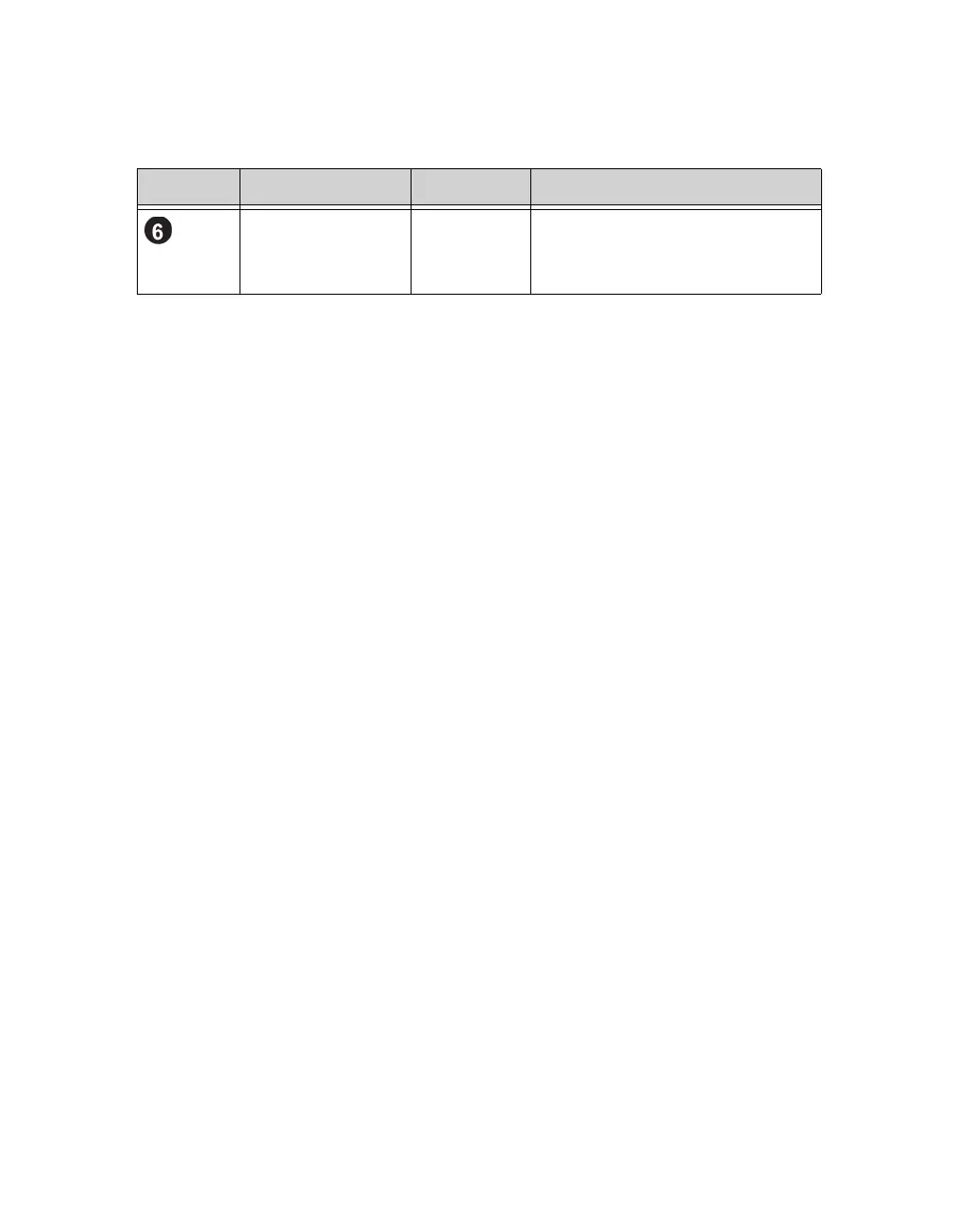
Serial number label N/A This label contains the serial number
for your array. If you contact your
PS Series support provider, you may
need to provide this number.
Table 1-2: Operations Panel Descriptions (Continued)
Callout Item Color Description


 To Next Page