PS6010 Hardware Maintenance Maintaining Control Modules
3–3
Identifying Control Module Failures
You can identify a failure in a control module by:
• LEDs. See Interpreting Control Module LEDs on page 3-2.
• Messages. A message on the console, in the event log, or in the Group
Manager GUI Alarms panel describes a control module failure.
• Group Manager GUI and CLI output. The Member Controllers window or
the
member select show controllers command output shows the
control module status
not installed.
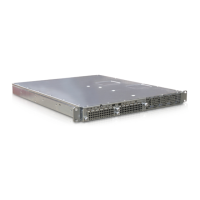
When viewed from the rear of the array, CM0 is on the right, and CM1 is on the
left. See Figure 1-3.
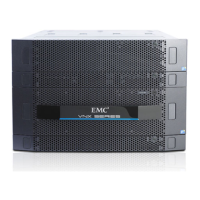
If a control module fails, see your PS Series support provider for a replacement.
Understanding Failover Behavior
In a dual control module array, only one control module is active (serving network
traffic) at one time. Each control module includes a battery-backed write cache for
Table 3-2: Management Port LED Descriptions
LED Location Color Description
Left (see callout 2) Off No power or not connected to network.
Green Connected to network.
Right (see callout 2) Off No power, not transmitting, or not receiving.
Green Transmitting or receiving.
Table 3-3: Ethernet Port 0 and 1 LED Descriptions
LED Name Color Description
ACT (see callout 3) Off No power, not transmitting, or not receiving.
Orange Transmitting or receiving.
LNK (see callout 3) Off No power or not connected to network.
Green Connected to network.


 To Next Page