11
About your monitor
Side view
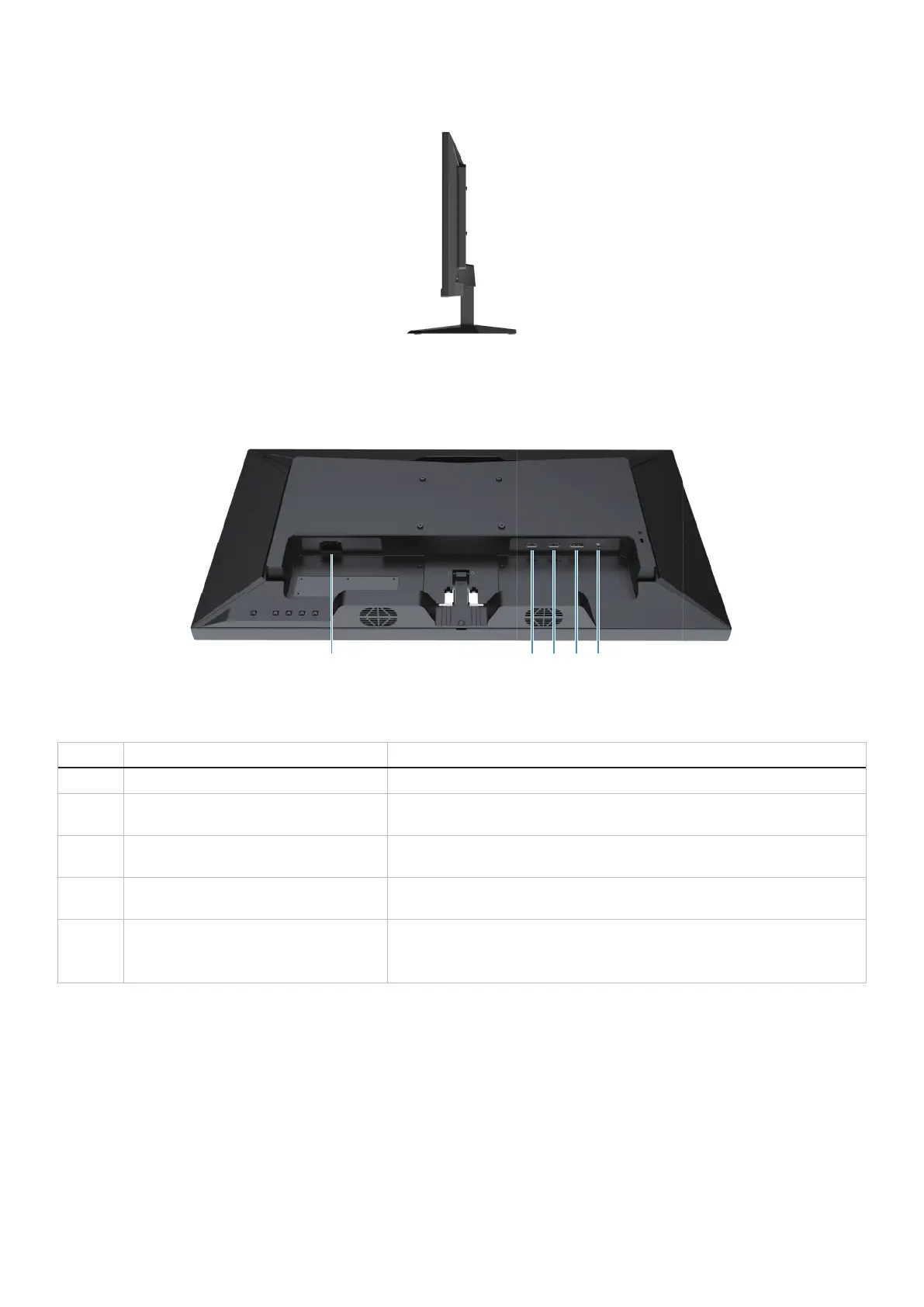
Figure 3. Side view of the monitor
Bottom view, without monitor stand
Figure 4. Bottom view of the monitor
Table 5. Bottom view of descriptions.
Label Description Use
1 Power port To connect the monitor power cable.
2 HDMI 1 port Connect to your computer or external device using an HDMI cable (shipped
with your monitor).
3 HDMI 2 port Connect to your computer or external device using an HDMI cable (shipped
with your monitor).
4 DisplayPort Connect to your computer or external device using a DisplayPort cable
(purchased separately).
5 Headphone port Connect the headphones to the monitor.
WARNING: The possible long-term effect of listening to audio at high
volume through the headphones may damage your hearing ability.



 To Next Page