38
Operating your monitor
OSD warning messages
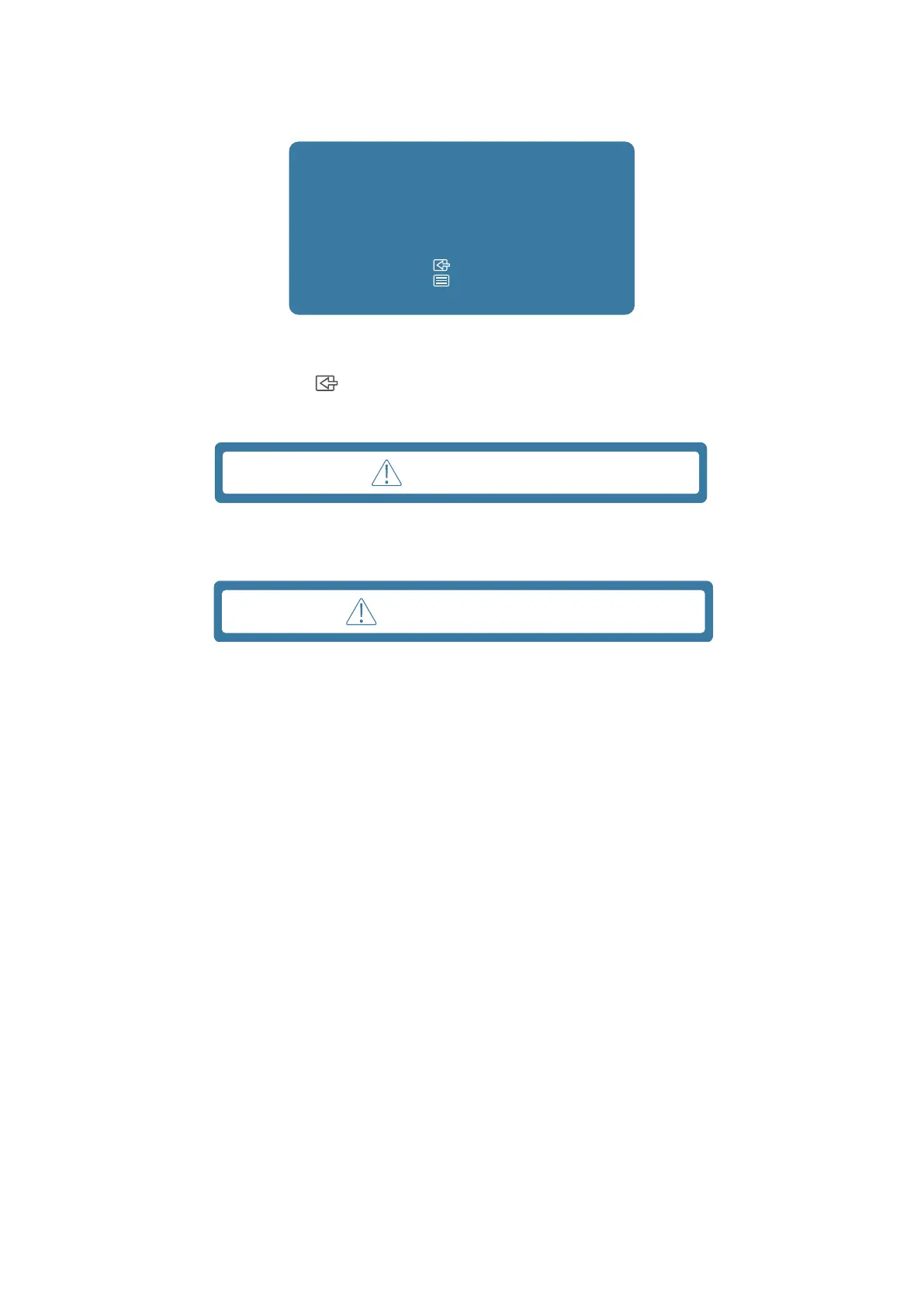
The following Power Warning Message box applies to OSD functions for the first time.
Changing OSD settings may increase
power consumption.
Accept?
Note:
: No
: Yes
Figure 27. Power warning message
Activate the computer and wake up the monitor to gain access to the OSD.
In the active-off mode, you could only press
button into Input Select.
If DP or HDMI cable is not connected, a floating dialog box as shown below appears. The monitor enters sleep mode, and the LED color
indicates is orange.
No Signal
Figure 28. Signal cable disconnected warning message
When the monitor does not support a particular resolution mode, the following message is displayed:
Out Of Range
Figure 29. Out of range warning message
See Troubleshooting for more information.



 To Next Page