34
Operating your monitor
Table 19. OSD Tree list.
Icon Menu and submenus Description
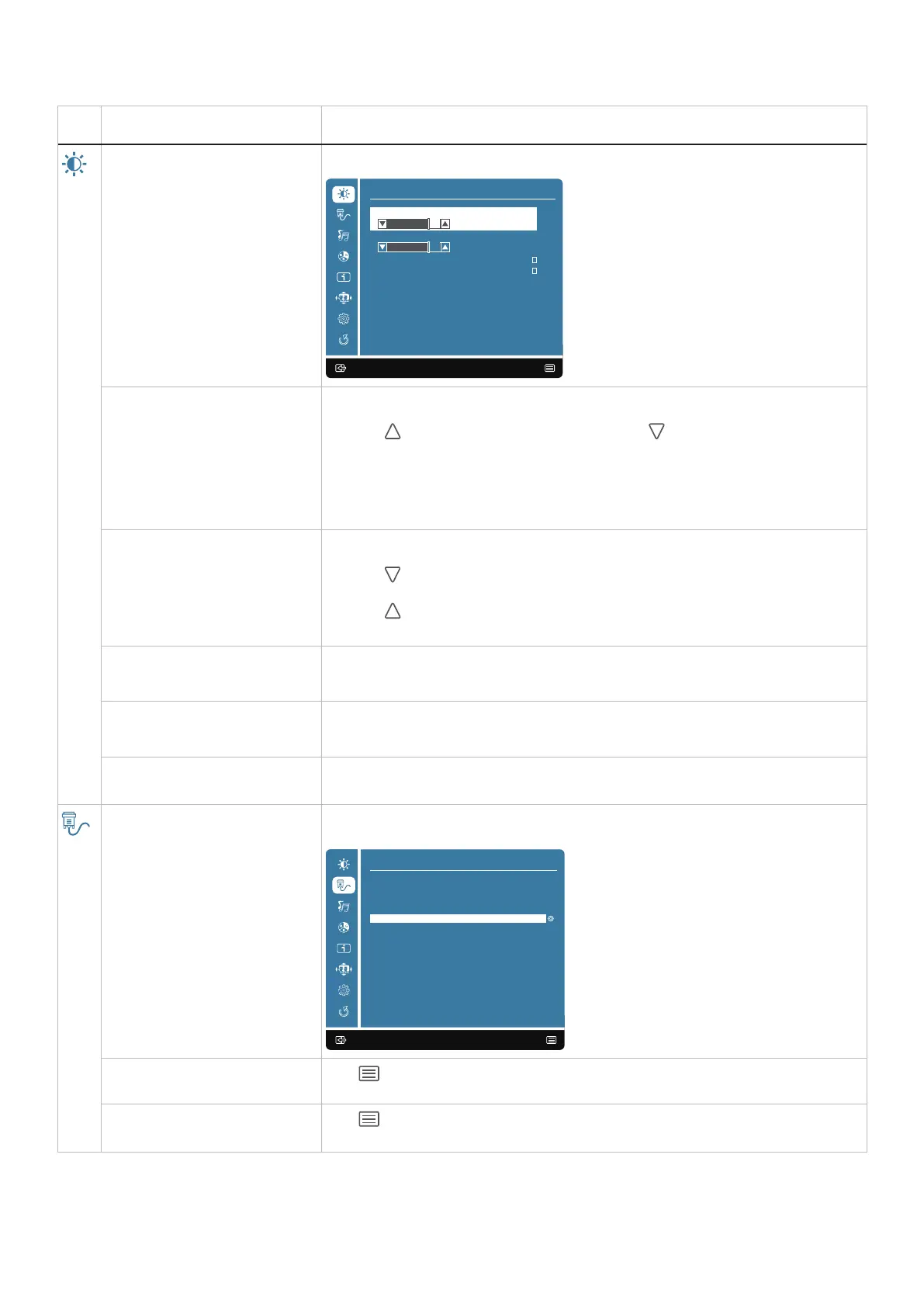
Contrast/Brightness Use this option to control the brightness or contrast settings.
C ontrast/Brightness
Brightness
DCR
75
ECO
Response Time
C ontrast
75
:Exit Enter:
Contrast Adjust brightness first, and adjust contrast only if you need further adjustment.
Press the
button to increase contrast and press the button to decrease contrast (min
0 ~ max 100).
The contrast function adjusts the degree of difference between darkness and lightness on
the screen.
Brightness Brightness adjusts the luminance of the backlight(min 0 ~ max 100).
Press the
button to decrease the brightness.
Press the
button to increase the brightness..
DCR To set the DCR function on/off. If DCR is on, brightness should be at 100 and should not be
adjustable.
ECO To control ECO function on/off. If ECO is on, brightness should be at 20 and should not be
adjustable. DCR should not be adjustable.
Response Time Allows you to select Off (5 ms)/ 1 (4 ms)/ 2 (2 ms)/ 3 (1 ms).
Input Select Use the Input Select menu to switch between the different video signals that may be
connected to your monitor.
:Exit Select:
Input Select
HDMI1
HDMI2
DP
Auto
HDMI1
Push to select HDMI 1 input when you are using the HDMI 1 connector.
HDMI2
Push
to select HDMI 2 input when you are using the HDMI 2 connector.



 To Next Page