37
Operating your monitor
Icon Menu and submenus Description
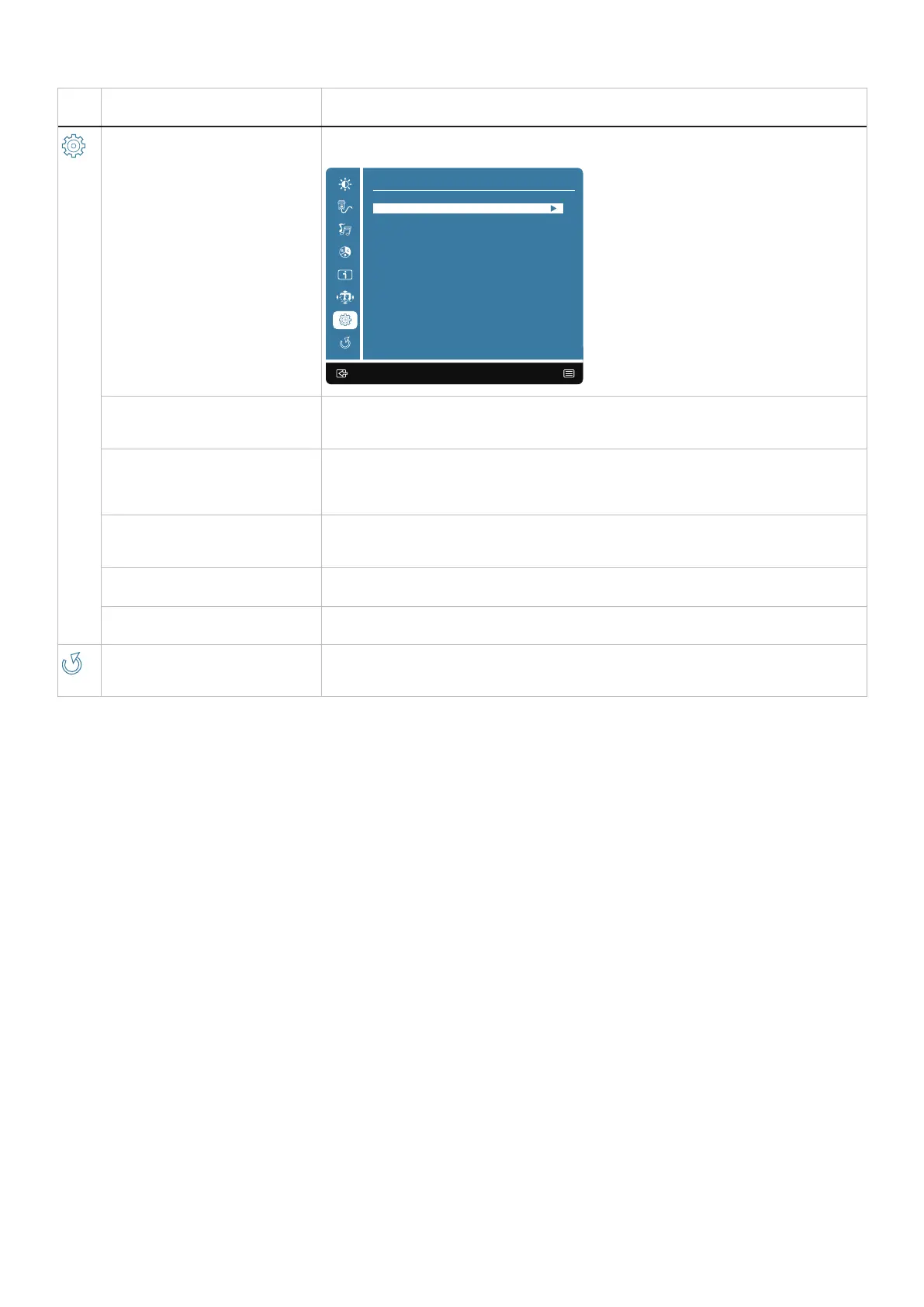
Setup Menu When you select Setup Menu, you can choose Language Select, OSD Position, OSD
Time Out, OSD Background and Self-Diagnostic from the list.
:Exit Enter:
Setup Menu
OSD Time Out
OSD Background
Self-Diagnostic
OSD Position
Language
Language To select one of the following languages: English, Spanish, French, German, Brazilian
Portuguese, Russian, Japanese or Simplified Chinese.
OSD Position Adjust the horizontal position of the OSD.
Adjust the vertical position of the OSD.
OSD Time Out To set the displaying time of OSD.
OSD Background Allows the user to change the OSD Transparency from 0/20/40/60/80/100.
Self-Diagnostic Enables you to check if your monitor is functioning properly.
Memory Recall Restore all preset values to the factory default settings.



 To Next Page