36
Operating your monitor
Icon Menu and submenus Description
Preset Modes Provides an optimum display environment depending on the contents displayed. To select
Standard, Game, Cinema, Scenery, Te x t , RTS, FPS mode. When it is not under
Standard mode, “Contrast/Brightness” option on “Main Menu” can’t be selected.
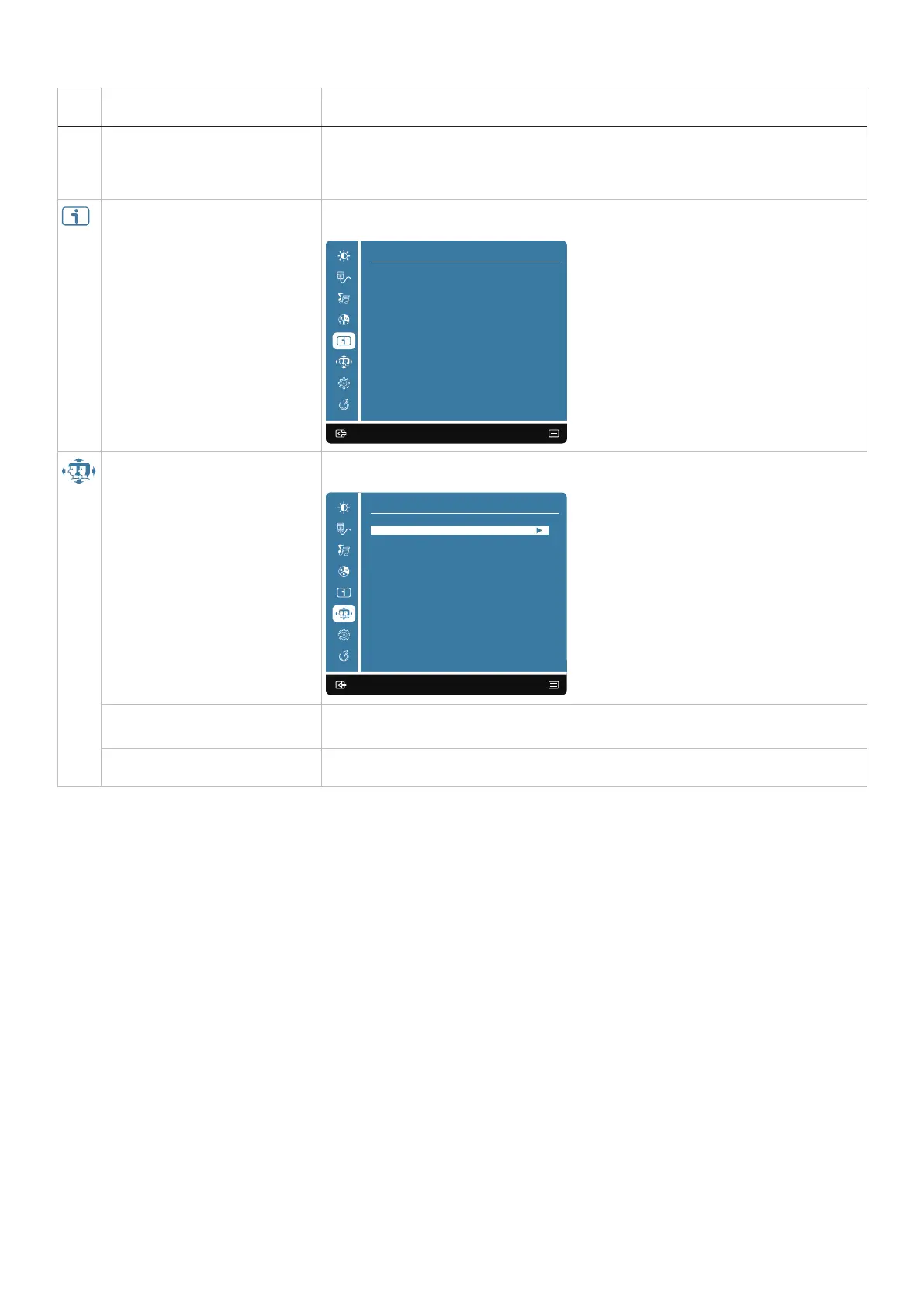
Information When you select Information, it displays the data about Resolution, H. Frequency, V.
Frequency, Pixel Clock, Model Number, Service Tag.
:Exit Enter:
Information
Resolution:2560X1440
H. Frequency:89kHz
V. Frequency:60Hz
Pixel clock:245MHz
M odel Number:G2725D
S ervice Tag:ABCDEFG
Manual Image Adjust When you select Manual Image Adjust, you can choose Sharpness and Video Mode
Adjustment from the list.
:Exit Enter:
Manual Image Adjust
Sharpness
V ideo Mode Adjustment
Sharpness To adjust the picture sharpness of the display.
Video Mode Adjustment To adjusts the video mode between Full Screen or 4:3.



 To Next Page