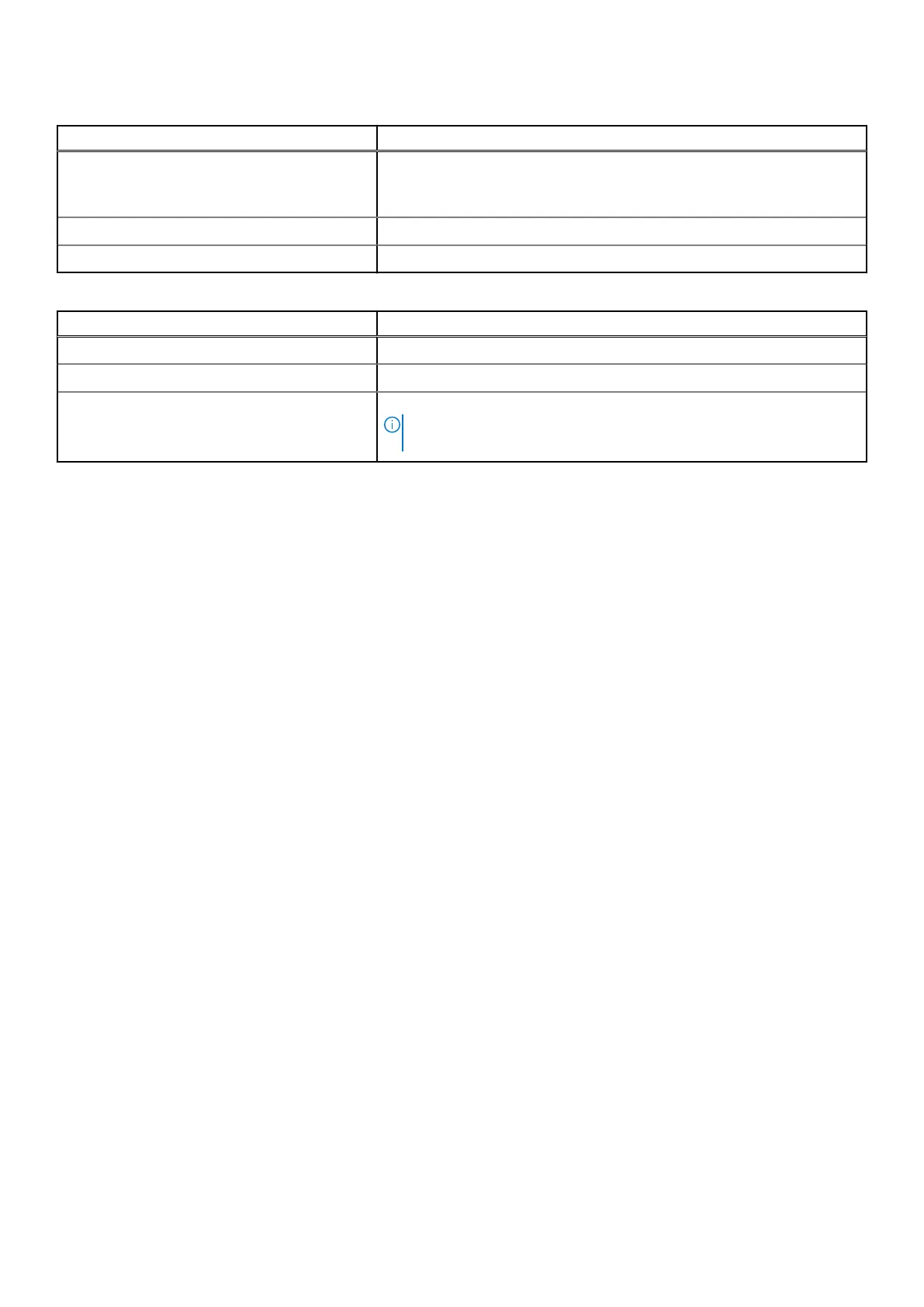
Table 4. LED behavior for drive (continued)
LED state LED status
● Power is off.
● All the links are disconnected.
● The cable is disconnected.
Green Drive is connected and functional.
Flashing green Active when you perform the locate operation.
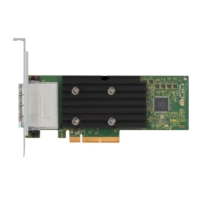
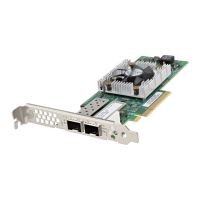
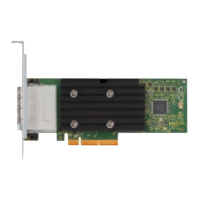
Table 5. LED behavior for HBA355e Adapter
LED state LED status
Off None of the external devices are connected.
Green When enclosures are connected and all the x4 lanes are linked up.
Amber When a device is connected and not all the x4 lanes are linked up.
NOTE: Tape drives have only x1 lanes and the default LED color will be
Amber when they are connected. This is an expected behavior.
18 Features of Dell HBA355i Adapter, Dell HBA355i Front, Dell HBA355e Adapter, Dell HBA350i MX, and Dell HBA350i
Adapter


 To Next Page