Let us set up your Dell headset
Pairing
Dell Headset WL3024
Let us set up your Dell headset
Pairing
Dell Headset WL3024
Let us set up your Dell headset
Pairing
Dell Headset WL3024
10
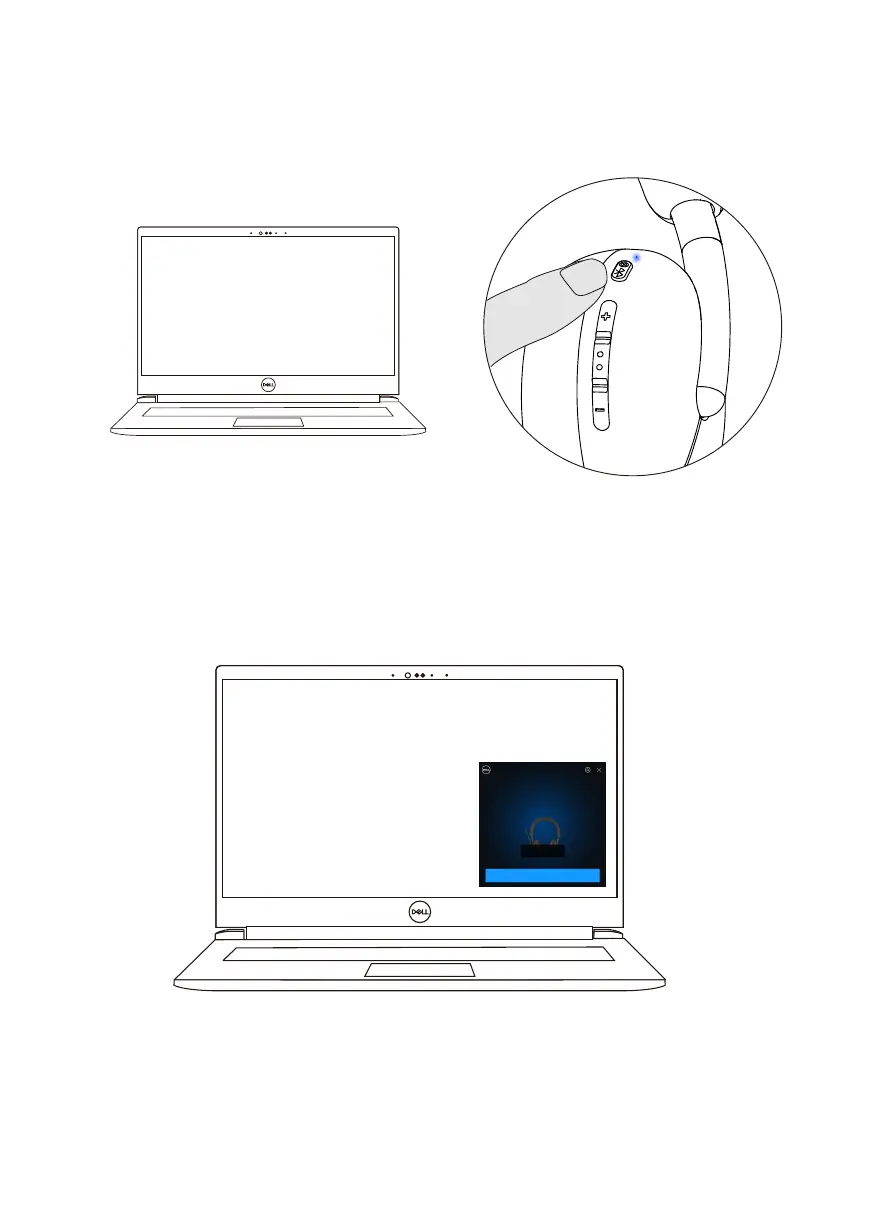
2. Press and hold the power button for 3 seconds, ensuring that the LED blinks blue,
indicating the Bluetooth pairing has been initiated.
3. Dell Pair notifies when a supported device is turned on. Click Pair to begin a
seamless Bluetooth pairing with the device.
4. The wireless headset is ready for use once pairing is successful.



 To Next Page