19
PPID
XXX XX
Oman-TRA
Dxxxxx
TRA/TA-R/XXX/XX
TA-XXXX/XXXX
APPROVED
M
o
d
e
l
(
型
号
/
型
號
)
:
H
S
2
4
0
3
M
a
d
e
I
n
C
h
i
n
a
(
中
国
制
造
/
中
國
製
造
)
D
E
L
L
W
i
r
e
l
e
s
s
H
e
a
d
s
e
t
无
线
耳
机
/
無
線
耳
機
I
n
p
u
t
(
输
入
/
輸
入
)
:
5
V
5
0
0
m
A
C
A
N
I
C
E
S
-
0
0
3
(
B
)
/
N
M
B
-
0
0
3
(
B
)
I
C
I
D
:
9
8
5
4
A
-
H
S
2
4
0
3
S
U
B
T
E
L
:
X
X
X
X
N
C
A
A
p
p
r
o
v
e
d
:
X
X
X
-
X
X
-
X
X
X
-
X
X
X
N
°
D
’
A
G
R
É
M
E
N
T
M
R
X
X
X
X
X
A
N
R
T
X
X
X
X
(
X
X
/
X
X
/
X
X
X
X
)
A
p
p
r
o
v
e
d
b
y
P
T
A
T
A
C
N
o
:
X
X
X
X
X
X
X
C
M
I
I
T
:
X
X
X
X
X
X
X
X
X
X
A
N
A
T
E
L
:
H
H
H
H
H
-
A
A
-
F
F
F
F
F
I
F
T
X
X
X
X
X
X
X
-
X
X
X
X
F
C
C
I
D
:
2
B
A
5
W
-
H
S
2
4
0
3
For UK only:
One Creechurch Place,
London EC3A 5AF
RXXXXX
RoHS
DXXX
DGTXXX
LP X-X
XXXXX/SDPPI/2023
5100
R-XXXXXXXX
www.bis.gov.in
R-R-HRn-HS2403
CIDF15000022
CN-0RDH0C-6HS00
-36J-0001-X00
Mfg Date: Jun 2023
CN-0RDH0C-6HS00
-36J-0001-X00 Mfg
Date: Jun 2023
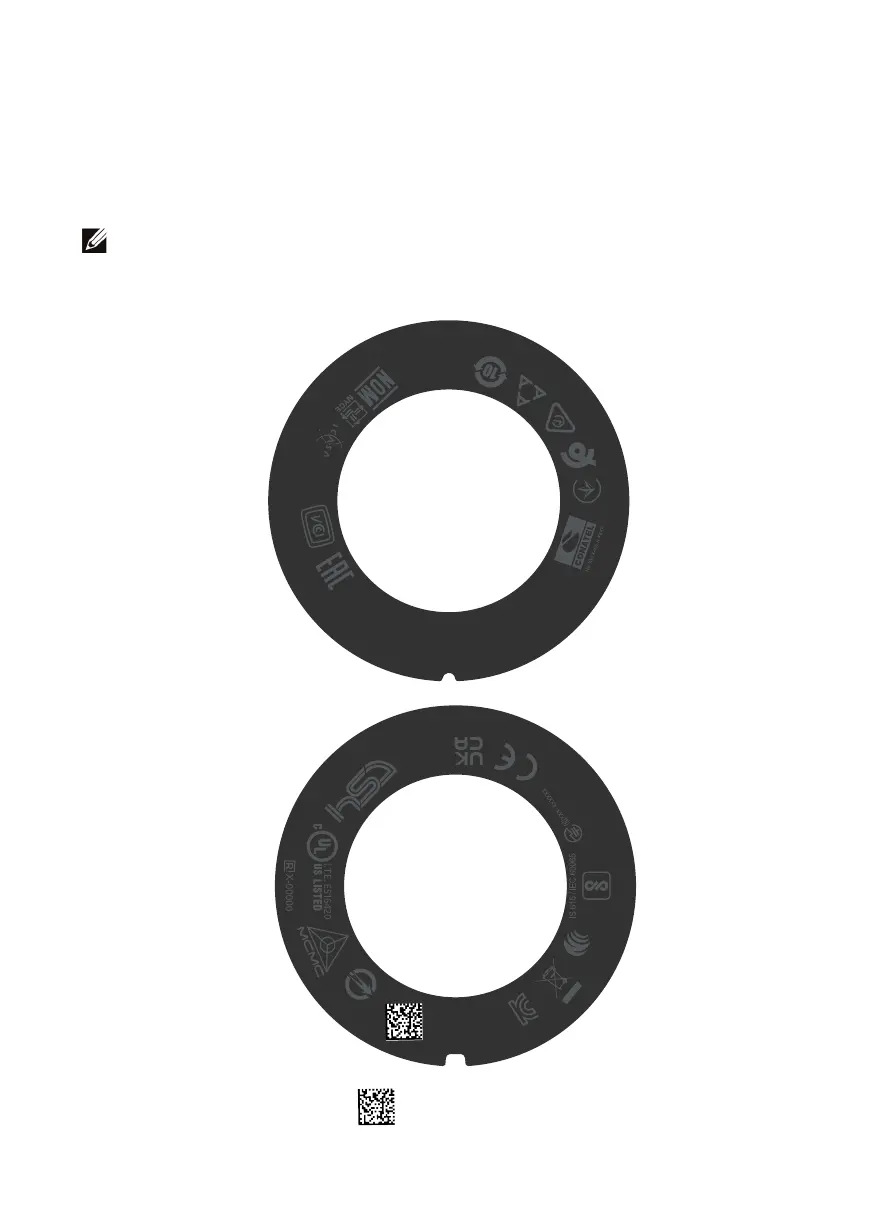
Regulatory label position
There are two regulatory labels, one on each side of the speaker cover under the ear
cushions. Remove the ear cushions to find their positions.
NOTE: The following image is a sample illustration to show the regulatory
label location only. Locate the ear cushion of your device to find the applicable
regulatory labels or logos.



 To Next Page