9
• Detect Dell peripheral devices such as wireless headset, mouse, and keyboard.
• Seamlessly pair devices through Bluetooth.
Connecting your Dell wireless headset
using Dell Pair
Dell Pair supports the following:
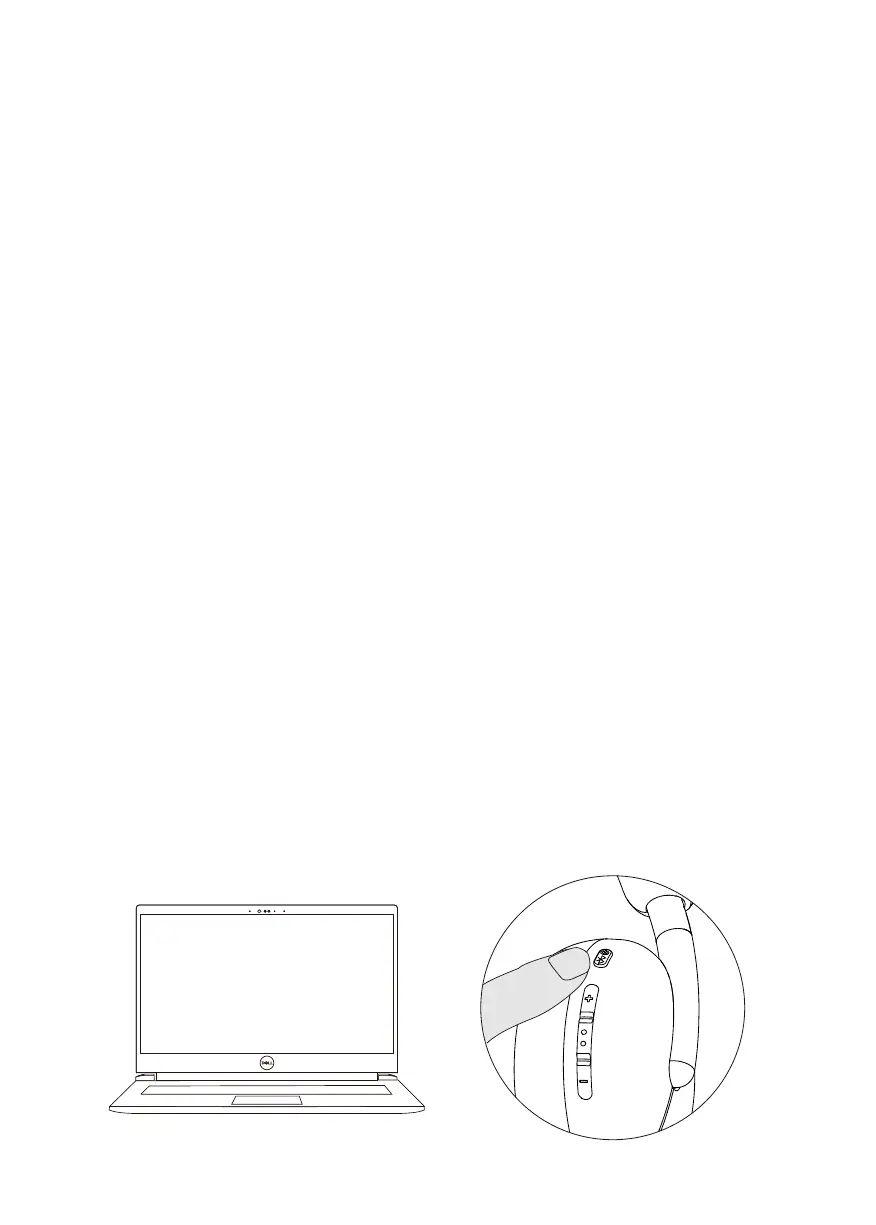
1. Place your wireless headset next to the computer, and press the power button to
turn on the headset.
Download and installation
Dell Pair is pre-installed on certain Dell computers. For more information on the list of
Dell Pair compatible devices, see www.dell.com/support/kbdoc/000201693.
If the laptop model number is supported and Dell Pair is not available, then you can
manually download and install the application.
1. Go to www.dell.com/support.
2. In the Search support box, enter the Service Tag of your computer and then click
Search.
3. In the Drivers & Downloads section, download the Dell Pair executable file.
4. Follow the on-screen instructions to complete the installation. After the installation
is complete, Dell Pair is available on Windows start menu.
Steps to pair through Dell Pair



 To Next Page