5
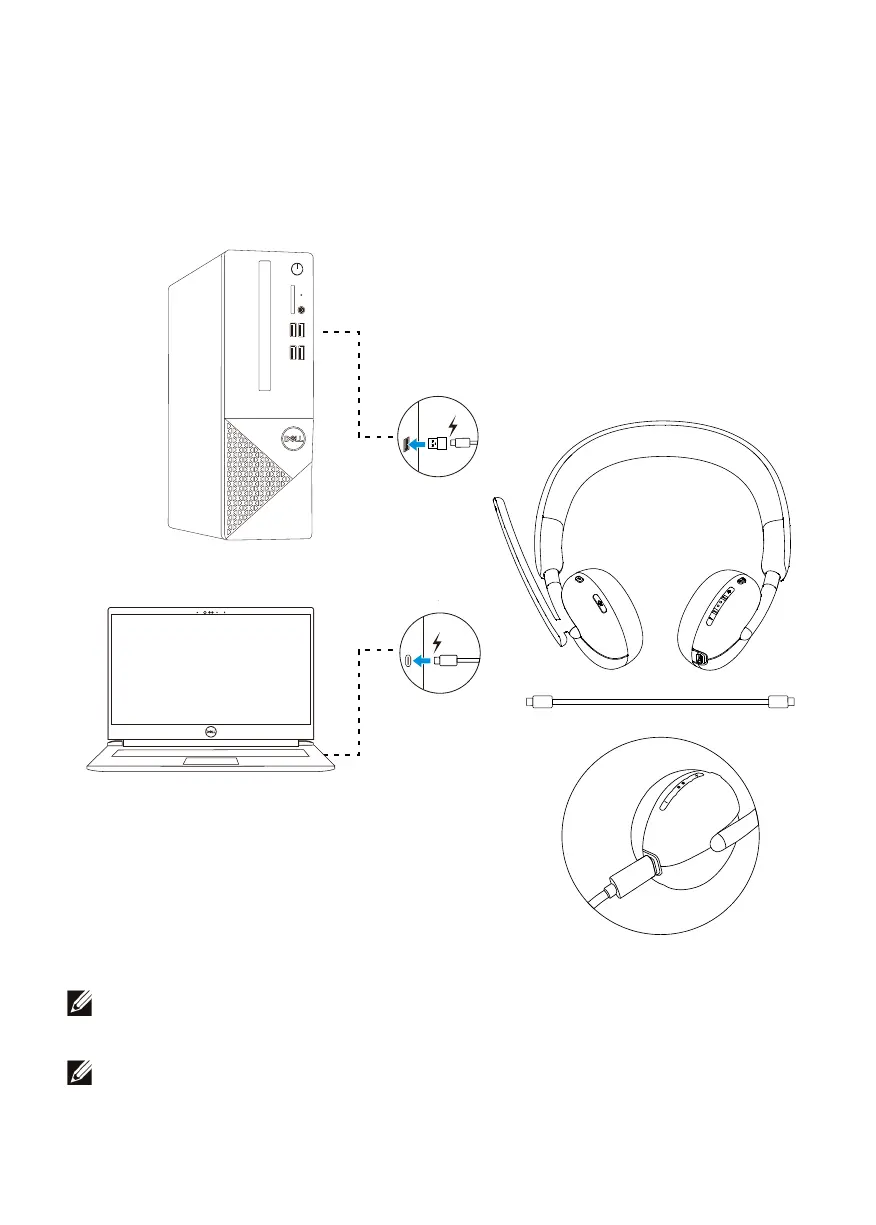
Charging the headset
To charge the headset, connect the USB-C charging cable to the USB-C port on
your headset, then connect the other end of the USB-C port to the computer.
NOTE: Ensure that the battery is completely charged when using it for
the first time.
NOTE: To improve battery life, ensure to turn off the power switch when
the headset is not used.



 To Next Page