16
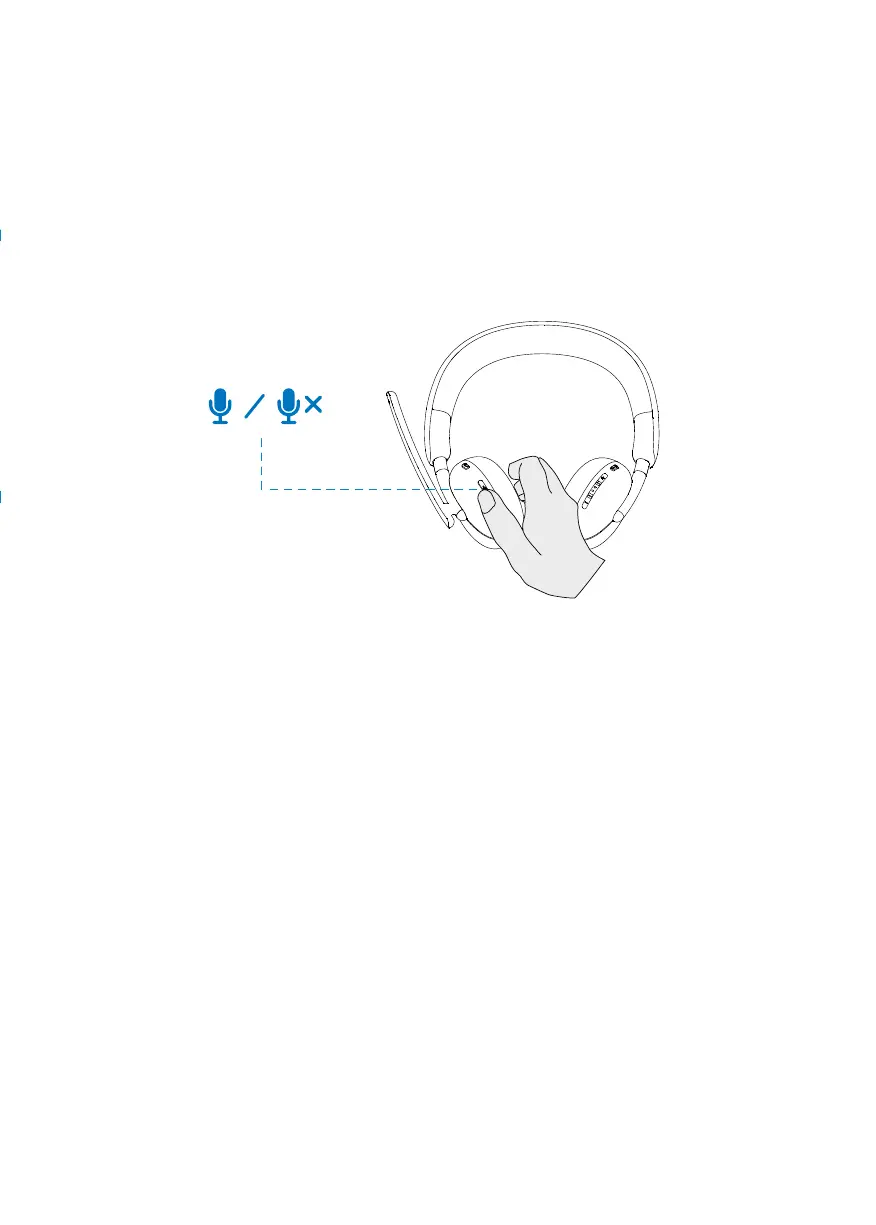
Muting or unmuting the microphone
1. Flip the boom microphone down to unmute and flip it up to mute.
The mic on
and mic off instructions will be heard to indicate the status of the microphone.
2. Press the mute button on the ear cups to mute or unmute the microphone when
the boom mic is down.
1. Press and hold for continuous volume change.
- Press and hold for second to trigger continuous volume change.
2. when volume reaches maximum or minimum, you will hear a double beep
audio prompt.
T
eams, Volume, and Multimedia button
Teams
When Teams is active or signed in, press the teams button to invoke and bring
it to the front.
While on a Teams call, if you perform a long press on the Teams button, you
will hear a single beep audio prompt indicating that they can raise their hand in
the Teams call.
Volume up and down



 To Next Page