Dell
™
Latitude™ E6420 XFR Service Manual
Page 40
22 Display Assembly
22.1 Removing the Display Assembly
CAUTION: Before you begin any of the procedures in this section, follow the safety
instructions that shipped with your computer.
1. Follow the instructions in
Before Working on Your Computer.
2. Remove the bottom access panel (see
Removing the Bottom Access Panel).
3. Remove the display cable channel covers (see
Removing the Display Cable Channel Covers).
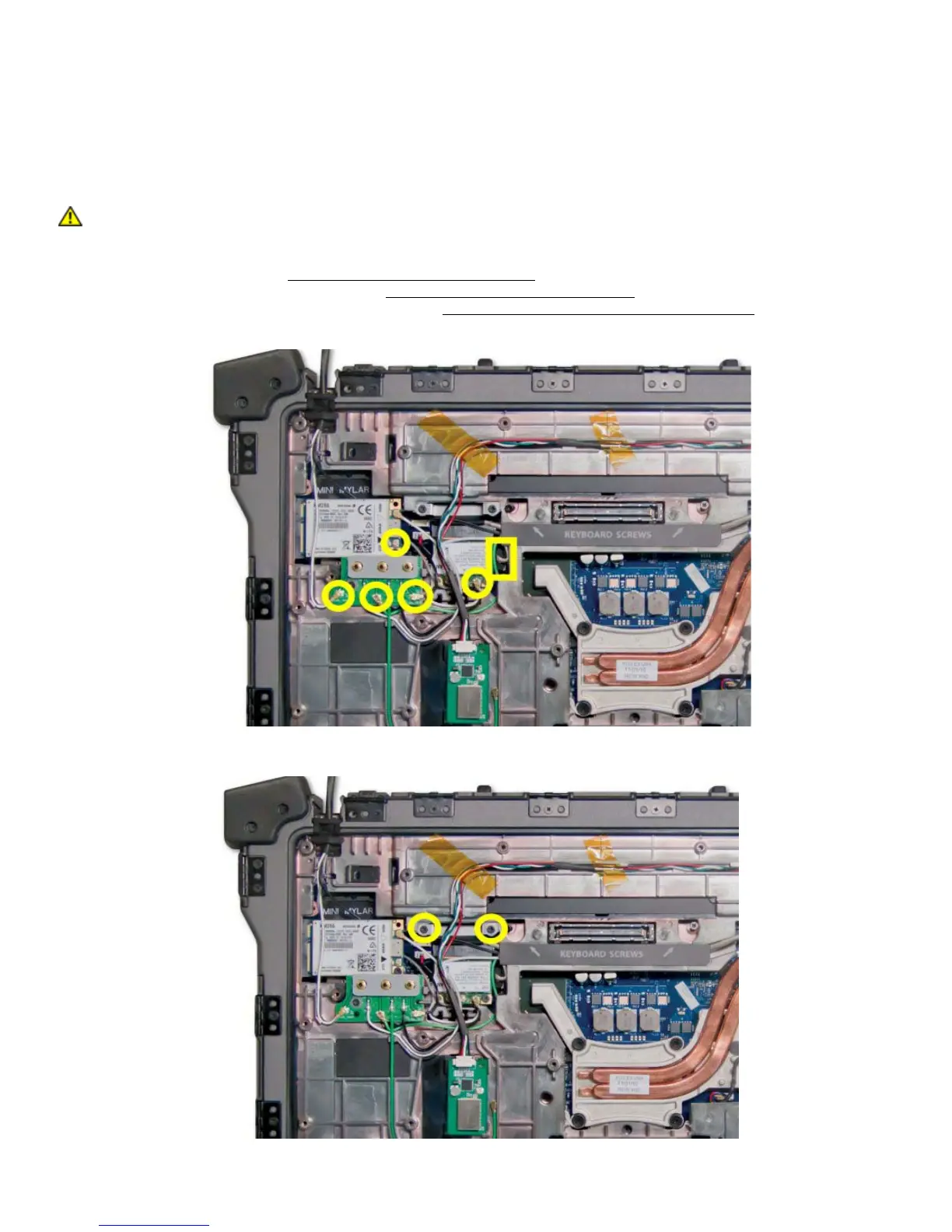
4. Disconnect and unroute the antenna cables from the RF passthru, WLAN, WWAN, or WPAN if present.
5. Remove the two M2x3 mm secrews securing the LVDS bracket to the base assembly.

















 To Next Page