Dell
™
Latitude™ E6420 XFR Service Manual
Page 71
39.7 Removing the Power and/or LAN Door
1. Follow the procedures in
Before Working on Your Computer.
2. Open the door to relieve hinge pressure.
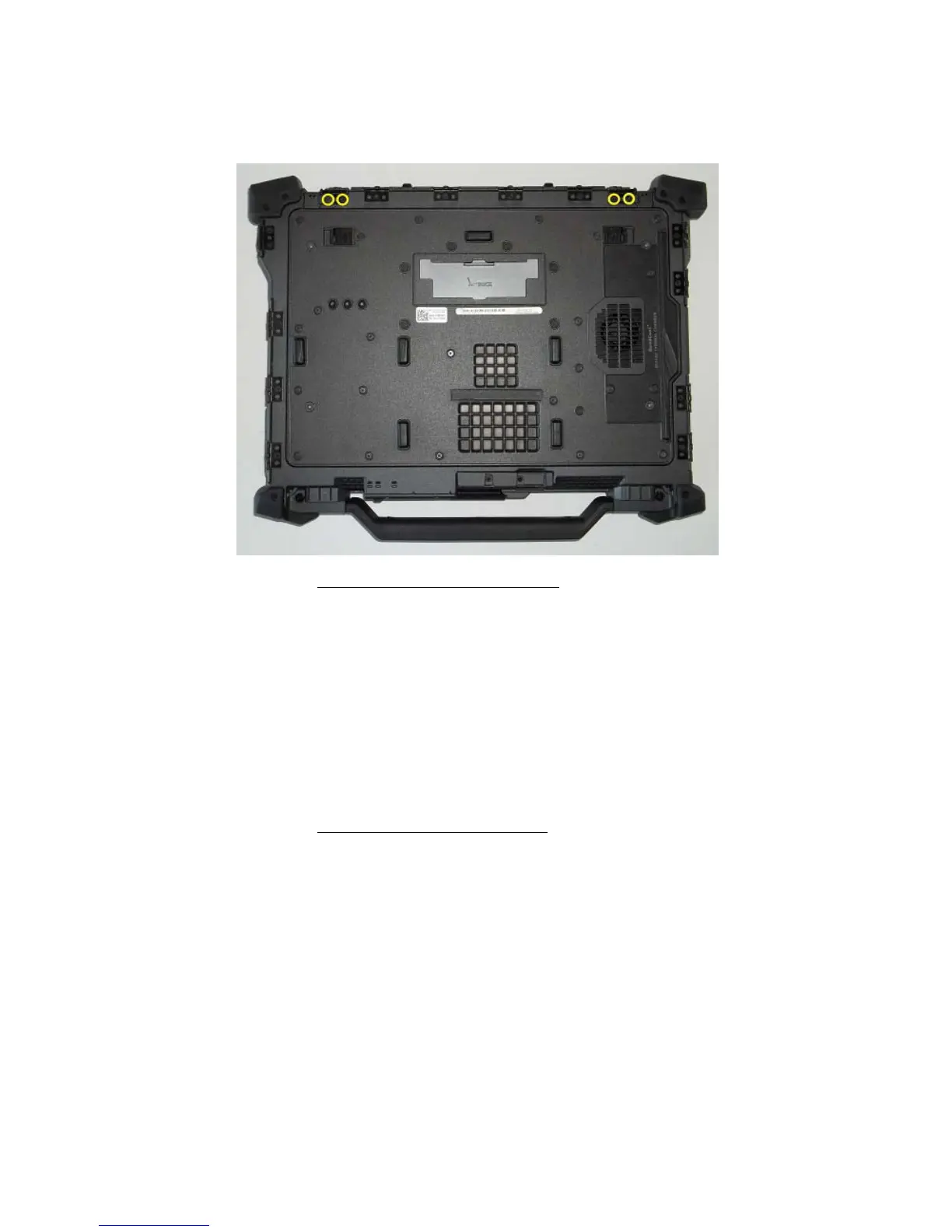
3. Remove the one M2.5 x 5-mm screw and the one M3x3 mm screw securing the hinge to the base
assembly
4. Remove the LCD Channel cover then remove the door.
39.8 Replacing the Power and/or LAN Door
1. Insert door hinge onto assembly and align the hinge divots.
2. Insert LCD Channel Cover.
3. Install and tighten the one M2.5 x 5-mm screw to secure the LCD Channel cover
4. Follow the procedures in
After Working on Your Computer.

















 To Next Page