Dell
™
Latitude™ E6420 XFR Service Manual
Page 73
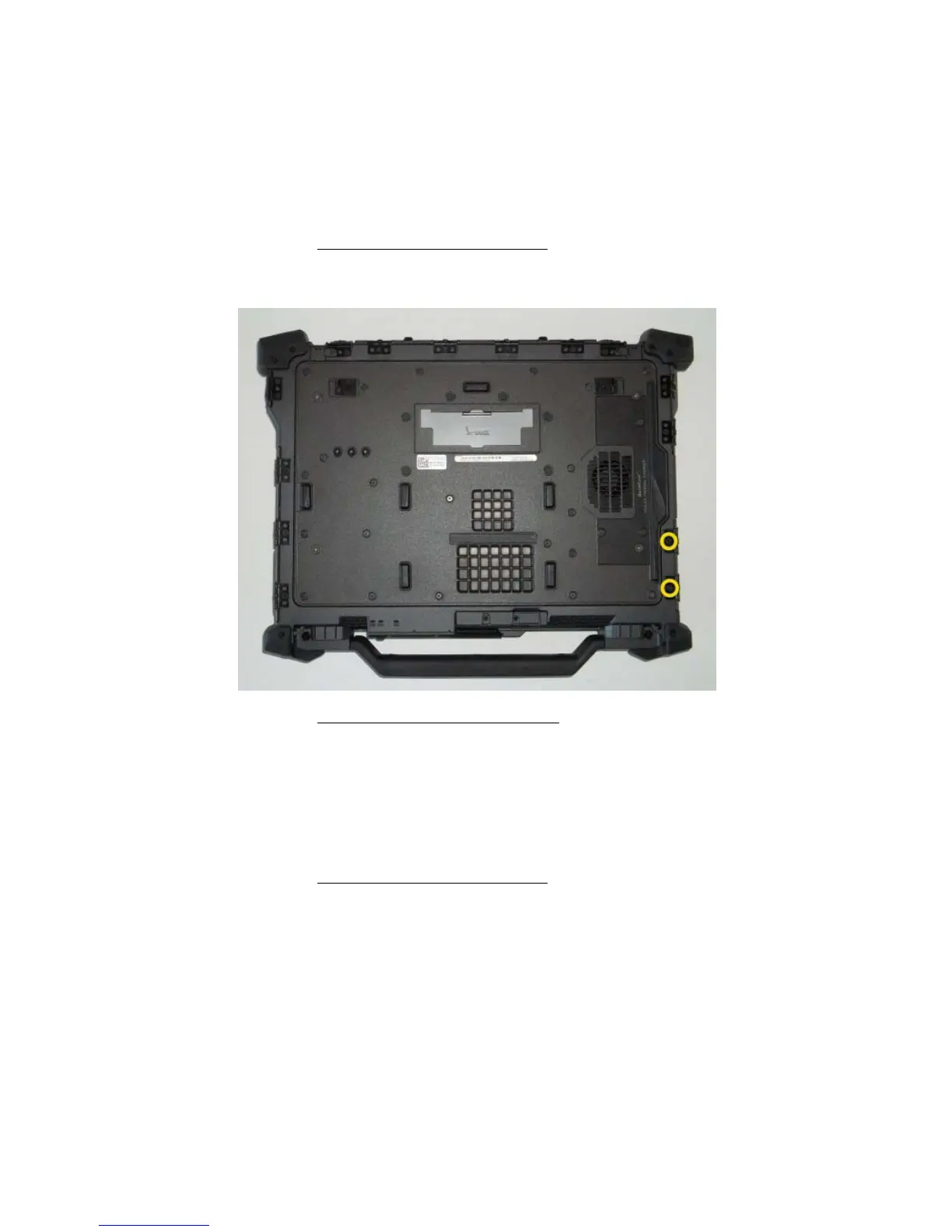
3. Remove the two VGA Connector jack screws and the two Serial Connector jack screws.
4. Place a scribe in the small opening and pull to remove.
39.12 Replacing the VGA Panel Cover
1. Place the VGA Panel Cover in place over the VGA port.
2. Replace the two VGA connector jack screws and the two Serial connector jack screws..
3. Follow the procedures in
After Working on Your Computer.
39.13 Removing the HDD Door
1. Follow the procedures in
Before Working on Your Computer.
2. Open the door to relieve hinge pressure.
3. Remove the two M3 x 3-mm screws securing the door hinges to the base assembly
39.14 Replacing the HDD Door
1. Insert door hinge onto assembly and align the hinge divots.
2. Replace the two M3 x 3-mm screws.
3. Follow the procedures in
After Working on Your Computer.

















 To Next Page