Dell
™
Latitude™ E6420 XFR Service Manual
Page 80
System Logs
BIOS Events Allows you to view and clear the System Setup (BIOS) POST events.
DellDiag Events Allows you to view and clear the DellDiag events.
Thermal Events Allows you to view and clear the Thermal events.
Power Events Allows you to view and clear the Power events.
41 Diagnostics
Diagnostic LED Codes The following table shows the possible LED codes that may display when your computer is
unable to complete a power on self test.
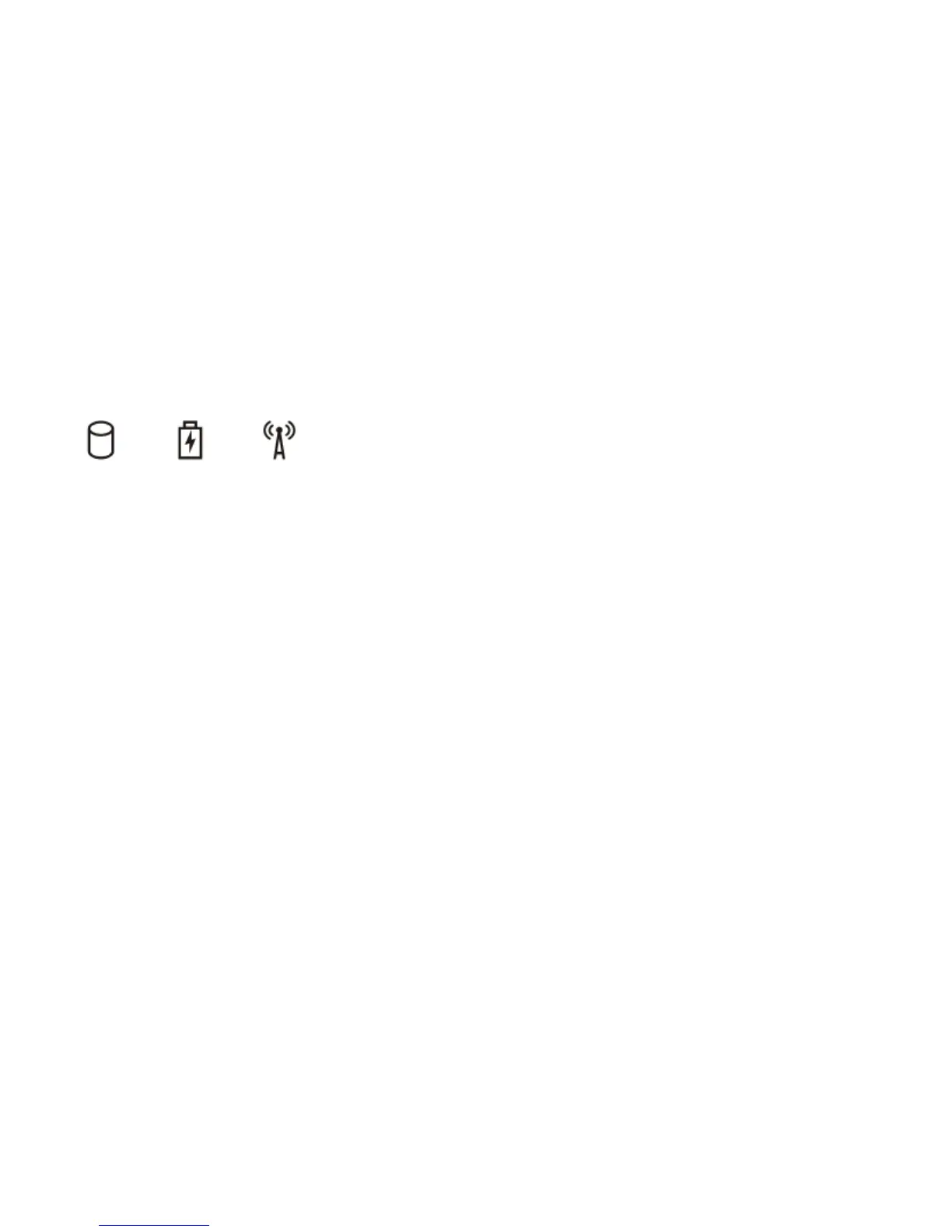
Storage
Power
Wireless
The microcontroller is
handing control of the
system to the processor.
This code persists if no
processor is detected.
Replace the processor.
Memory is detected but has
errors.
2. If two modules are installed, remove one and
test. Try the other module in the same slot and
test. Test the other slot with both modules.
3. Replace the memory.
4. Replace the system board.
System Board Error Replace the System Board.
Video Card Error Replace the System Board.
Keyboard Error 1. Re-seat the keyboard cable.
2. Replace the keyboard.
Unplug any USB devices attached
1. Install supported memory modules.
2. If memory is already present, re-seat the
module(s) one at a time in each slot.
3. Try known good memory from another
computer or replace the memory.
4. Replace the system board.
Display Panel Error 1. Re-seat the display cable.
2. Replace the display panel.
3. Replace the video card/system board.
Modem Error 1. Re-seat the modem.
2. Replace the modem.
3. Replace the system board.

















 To Next Page