Steps
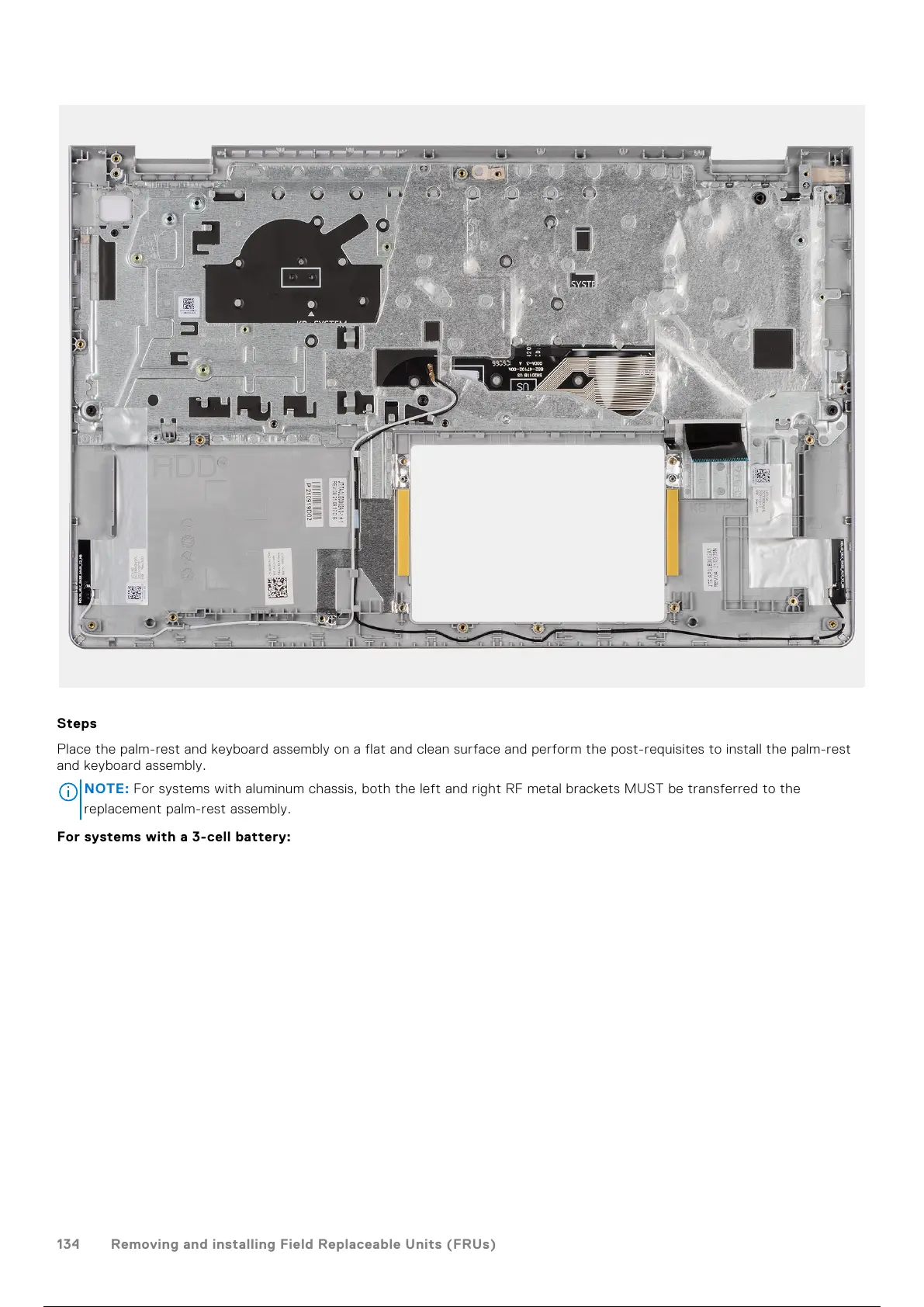
Place the palm-rest and keyboard assembly on a flat and clean surface and perform the post-requisites to install the palm-rest
and keyboard assembly.
NOTE:
For systems with aluminum chassis, both the left and right RF metal brackets MUST be transferred to the
replacement palm-rest assembly.
For systems with a 3-cell battery:
134
Removing and installing Field Replaceable Units (FRUs)
135 / 156 134 / 154 135 / 156



 To Next Page