Installing the I/O daughter-board
Prerequisites
If you are replacing a component, remove the existing component before performing the installation procedure.
NOTE:
When replacing an I/O daughter-board for models shipped with a 4G WWAN card, the 4G WWAN card extension
bracket and 4G gasket sticker must be removed and transferred over to the replacement I/O daughter-board.
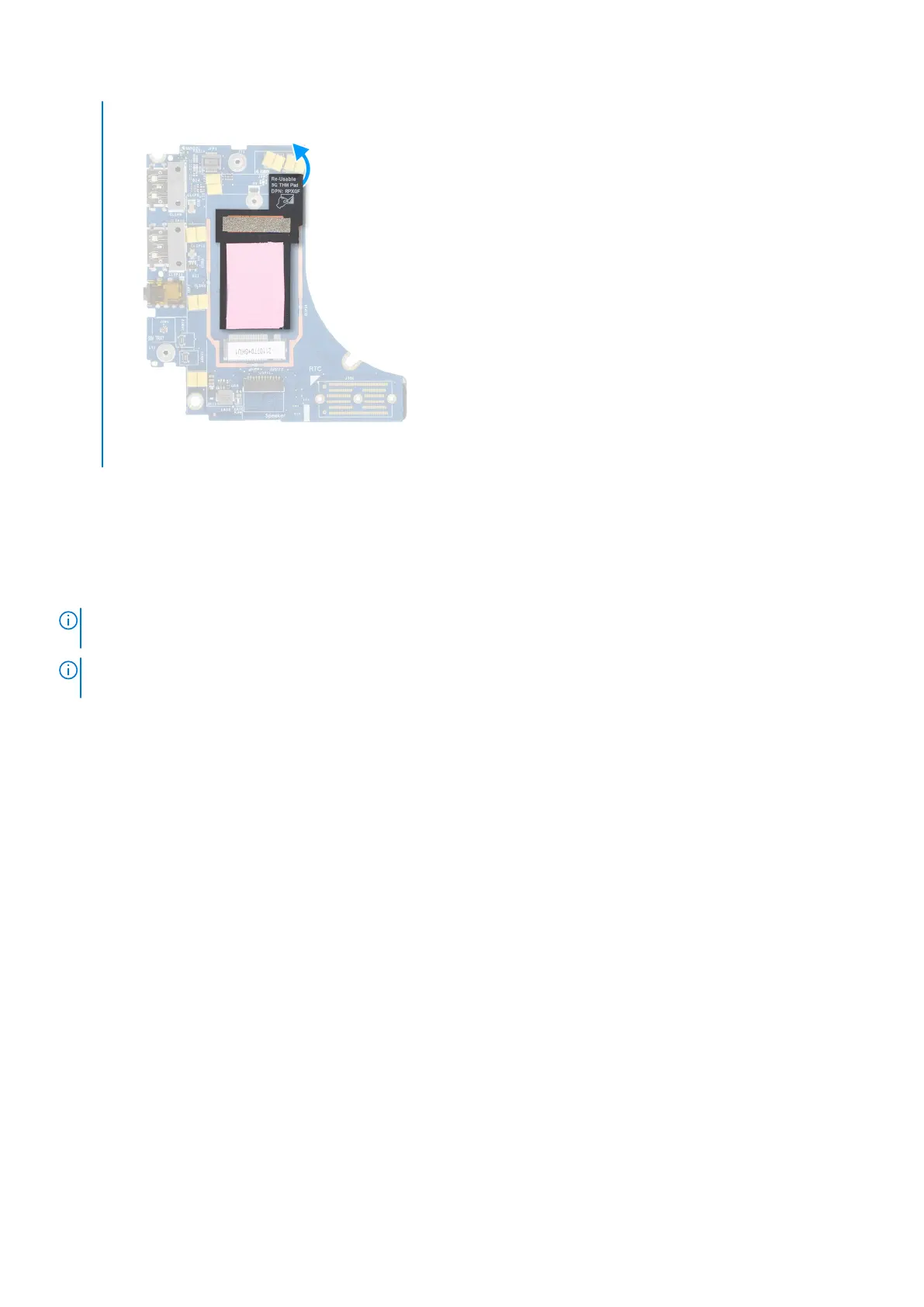
NOTE: When replacing an I/O daughter-board for models shipped with a 5G WWAN card, the thermal pad sticker adhered
onto the WWAN card compartment must be peeled off and transferred over to the replacement I/O daughter-board.
About this task
The following image indicates the location of the I/O daughter-board and provides a visual representation of the installation
procedure.
58
Removing and installing components



 To Next Page