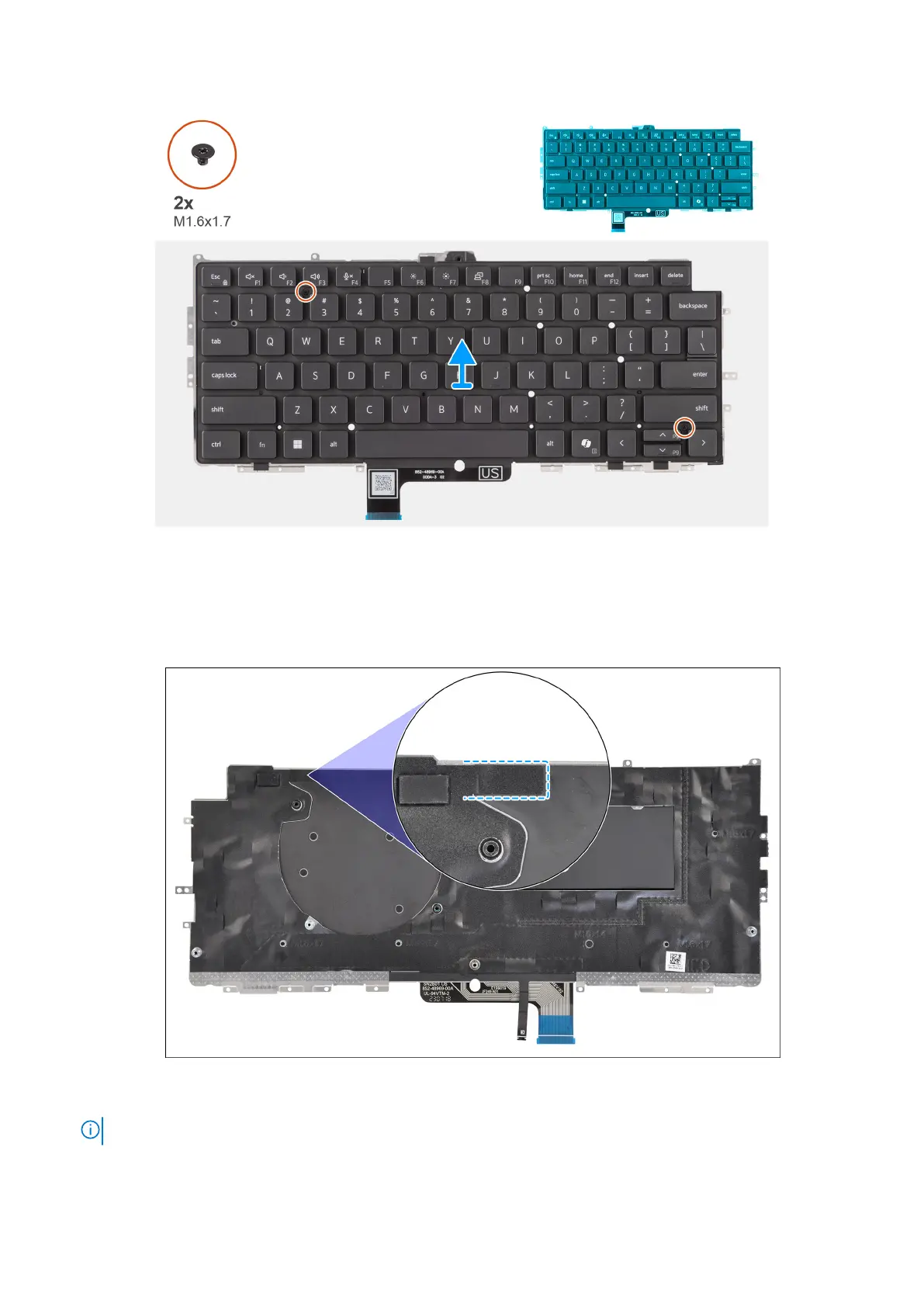
Figure 79. Removing the keyboard
Steps
1. Peel the USH daughterboard flexible flat cable from the back of the keyboard.
For Latitude 7450, when removing the keyboard from the keyboard bracket, first peel back the bracket's mylar tape from the
bottom side of the keyboard.
Figure 80. Removing the keyboard mylar tape
NOTE: This step applies only to computers shipped with a USH daughterboard installed.
2. Open the latch and disconnect the keyboard and keyboard backlight flat cable from the connector on the click pad.
108
Removing and installing Field Replaceable Units (FRUs)



 To Next Page