Provides audio output.
6. Clickpad with optional NFC/contactless smart-card reader
Move your finger on the touchpad to move the mouse pointer. Tap to left-click and two fingers tap to right-click.
7. Speaker
Provides audio output.
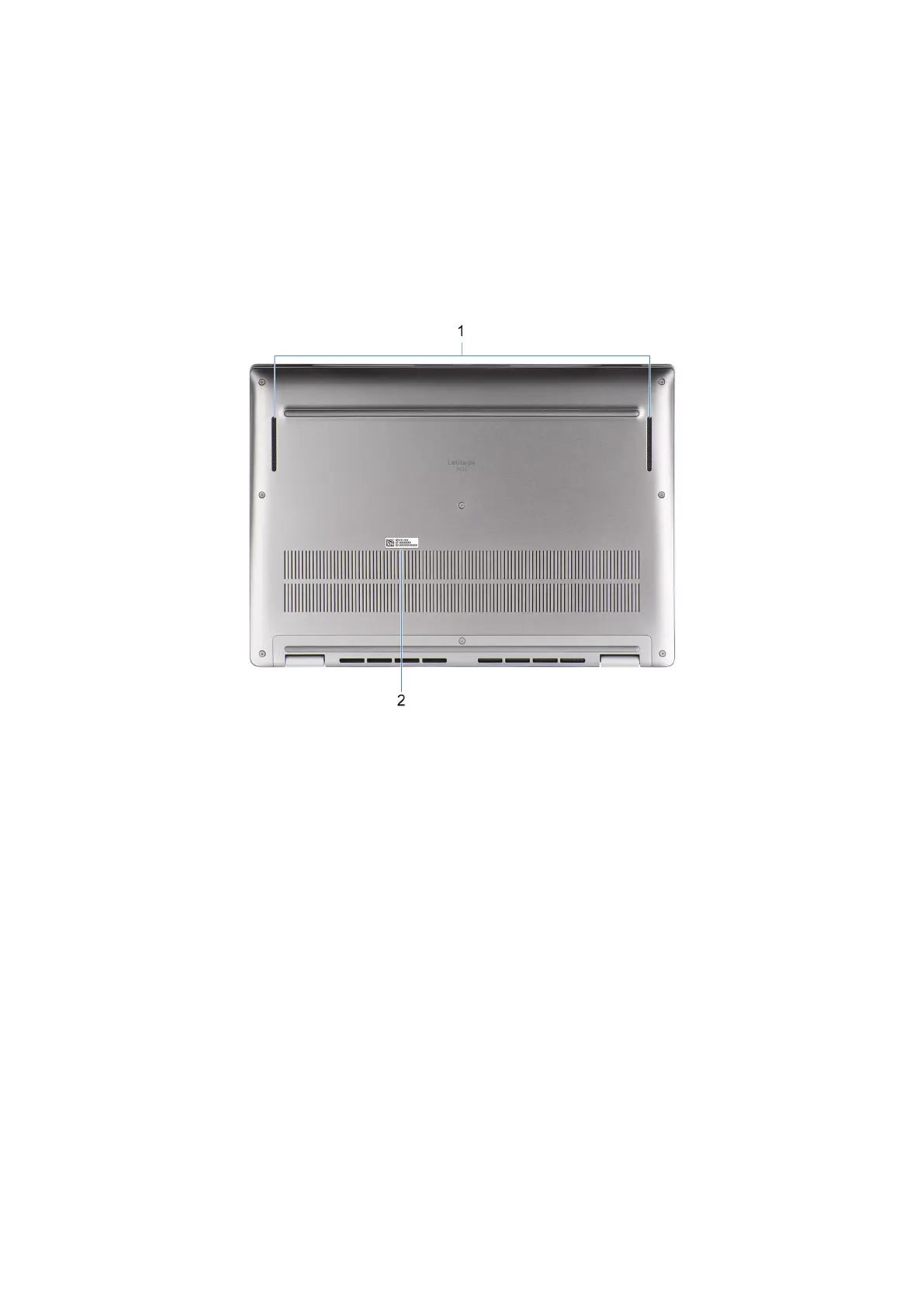
Bottom
Figure 5. Image: Bottom view
1. Speakers
Provide audio output.
2. Service Tag label
The Service Tag is a unique alphanumeric identifier that enables Dell service technicians to identify the hardware
components in your computer and access warranty information.
Service Tag
The service tag is a unique alphanumeric identifier that allows Dell service technicians to identify the hardware components in
your computer and access warranty information.
12
Views of Latitude 7450



 To Next Page