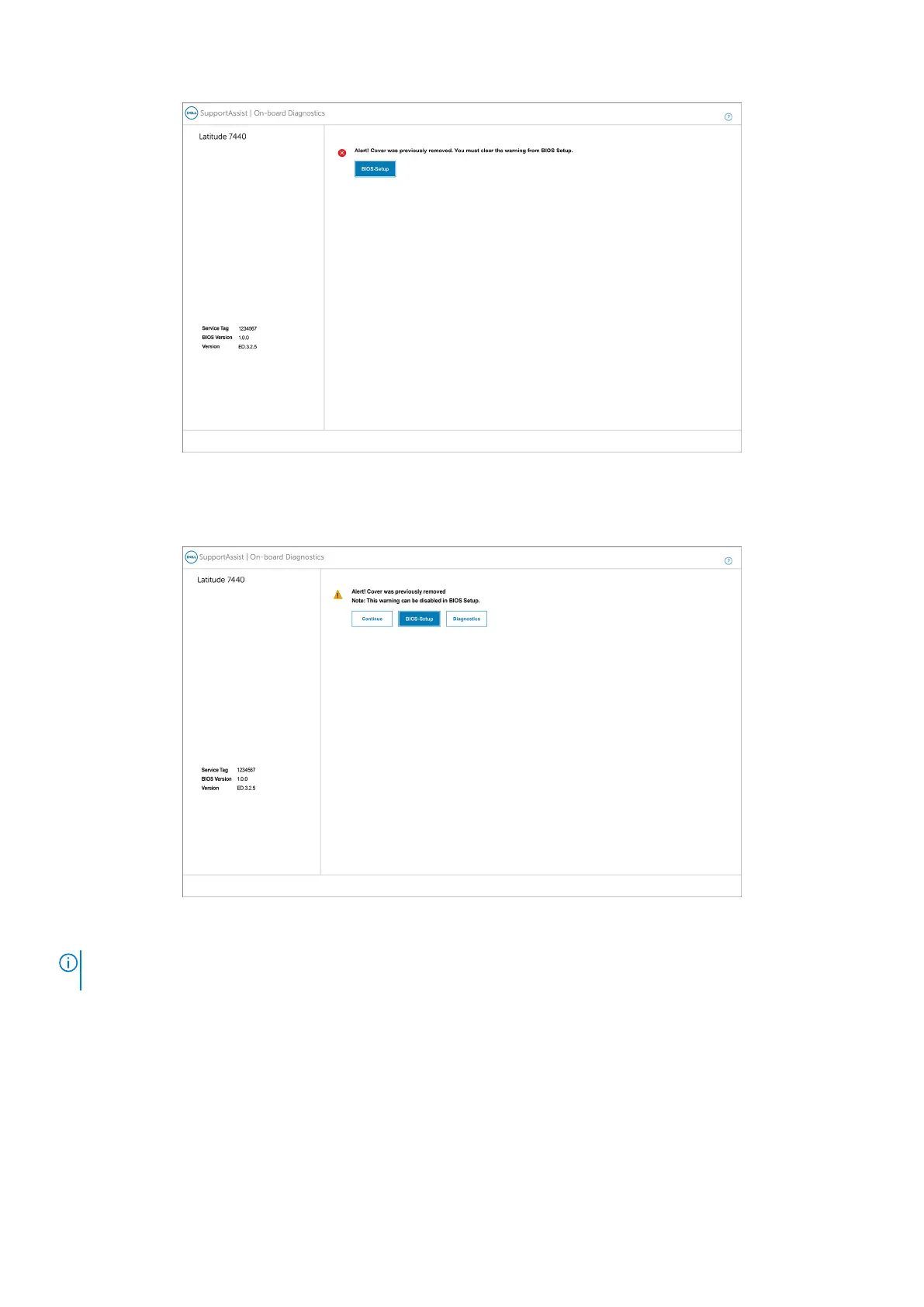
Figure 87. BIOS-Setup
When Block Boot Until Cleared is switch to OFF, you can choose either Continue to proceed with the normal computer
boot-up or BIOS-Setup to clear the alert.
Figure 88. BIOS-Setup
NOTE:
If the Continue option is selected, then you continue to see the alert each time the computer is turned on until the
alert is cleared.
To clear the alert, select ON in the Clear Intrusion Warning field that is located within the Security sub-menu of the BIOS
setup menu.
BIOS Setup
137



 To Next Page